
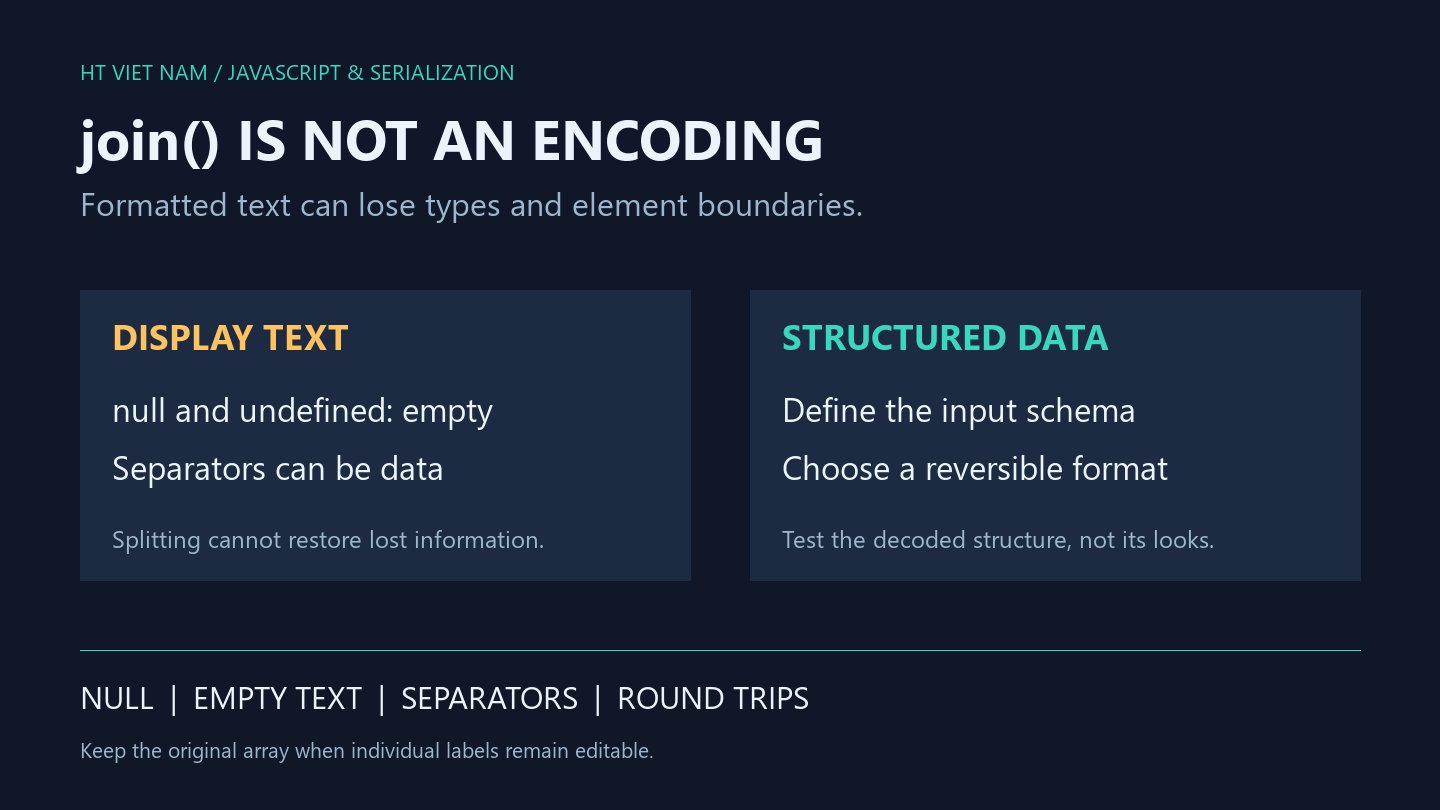
Array.join is convenient for display, but does not automatically produce a reversible storage format. Different arrays can yield the same text. Splitting that text cannot recover information already lost.
1. Different states can all produce empty text
console.log(JSON.stringify([null].join('|'))); // ""
console.log(JSON.stringify([undefined].join('|'))); // ""
console.log(JSON.stringify([''].join('|'))); // ""
console.log(JSON.stringify(new Array(1).join('|'))); // ""
console.log(JSON.stringify([].join('|'))); // ""
The MDN Array.join reference describes null and undefined becoming empty text, with holes read as undefined. The example also includes an empty array. The output cannot distinguish these five cases.
If the application distinguishes missing values, explicit empty text and absent elements, preserve the structure or define an encoding for those states. A more unusual separator does not restore missing type or presence information.
2. Separators inside values destroy boundaries
const labels = ['red|blue', 'green'];
const text = labels.join('|');
console.log(text); // red|blue|green
console.log(JSON.stringify(text.split('|'))); // ["red","blue","green"]
const encoded = JSON.stringify(labels);
console.log(JSON.stringify(JSON.parse(encoded))); // ["red|blue","green"]
The original two elements become three because split cannot identify which separator belonged to a label. For the dense string-only array shown here, JSON.stringify and JSON.parse retain element boundaries. See MDN JSON.stringify.
This does not establish lossless JSON handling for every JavaScript value. Undefined array elements, special types and circular references require separate policies. If a consumer expects CSV, use its format rules and suitable tools; switching to join(',') does not escape quotes, commas or line breaks.
3. Define a display-only label contract
function displayLabels(labels) {
  if (!Array.isArray(labels)) {
    throw new TypeError('labels must be an array');
  }
  for (const label of labels) {
    if (typeof label !== 'string') {
      throw new TypeError('every label must be a string');
    }
  }
  return labels.join(' / ');
}
console.log(displayLabels(['API', 'Web'])); // API / Web
console.log(JSON.stringify(displayLabels([]))); // ""
The helper targets ordinary data arrays with standard iteration and join behavior. It accepts only strings without converting numbers or objects. On an ordinary sparse array, for...of reads holes as undefined, causing rejection.
Empty labels and slashes inside labels remain permitted. The result is display text, not a reversible encoding or a unique identifier. Add an explicit blank-label policy if required; this helper neither trims nor filters elements.
4. Matching display text does not prove matching data
Using joined text for array comparison, cache keys or change detection can merge different inputs. Define element types, boundaries, ordering and missing-value treatment first. Comparing length and individual elements directly is one straightforward option for ordered string-array equality.
For APIs, agree on the schema and select a matching encoding. For interfaces, preserve the original array when users can select, edit or remove individual labels. Formatted text usually lacks the information needed to serve as that operation's data source.
5. Review before joining
- Is the result for display or later decoding?
- Can elements be null, undefined, empty strings or holes?
- Can the separator appear inside values?
- Must types, ordering and element counts survive?
- Do round-trip tests compare structure rather than just printed text?
All six bilingual blocks ran with Node.js, with additional invalid-label, sparse-input, embedded-separator and source-preservation checks. CSV exporters and real APIs were not integrated.
No comments yet. Be the first to share your thoughts.