

A fix has been committed, but you need to know which maintenance branches or release tags include it. Git's --contains filter helps answer this without opening each branch. The result traces history; it does not, by itself, prove that the running system has the fix.
1. Identify the exact commit
Take the commit ID from a verified pull request or fix record. In these commands, abc1234 is only a placeholder; replace it with a real commit in your repository:
git show --no-patch --oneline abc1234
git branch --contains abc1234
The first command helps confirm that you are inspecting the intended commit. The second lists local branches containing it in their history. The Git branch documentation defines the contains filter in terms of branch tips descending from the specified commit. A branch pointing directly to that commit also qualifies.
2. Understand a small example
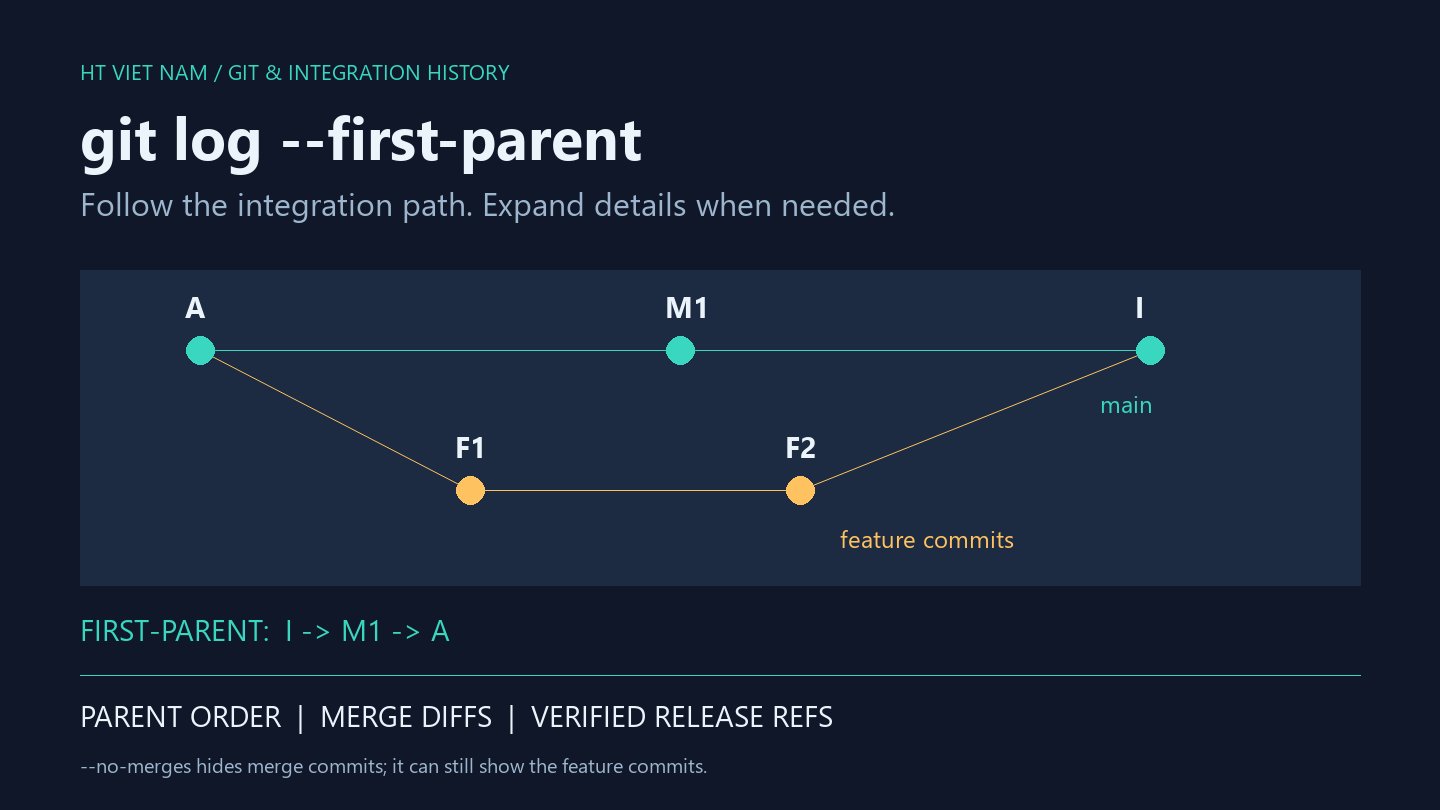
Suppose main and release/old start at the same commit. Main then receives a fix, gets the v1.1.0 tag, and advances by one more commit. Release/old remains at the starting point.
In the test using this structure, querying the fix returned main but not release/old. Main does not have to point directly at the fix: its history only needs to include that commit. An asterisk before a branch name in the default output marks the currently checked-out branch.
Record both the commit ID and branch name in handover notes. “It is on main” does not identify the change, particularly when several attempts have addressed the same bug.
3. Inspect remote-tracking branches and tags
git branch -r --contains abc1234
git tag --contains abc1234
The first command inspects remote-tracking references stored on your machine. It does not contact the server for fresh state. Before drawing conclusions about a remote, update your data through the project's fetch workflow and confirm that the relevant branches are included in its scope.
The second command finds tags whose history contains the commit, as documented by Git tag. The example returns v1.1.0. This list only reflects tags available locally, however; do not assume your machine has fetched every tag in the project.
4. Containment does not prove the change is still effective
A later commit may have reverted the fix. The original commit remains discoverable with contains even though its changes were reversed. Review subsequent changes and run a regression test that reproduces the original issue.
The reverse distinction matters too: a cherry-picked backport or squash may deliver an equivalent change under a different commit ID. Failure to find the original commit does not prove the branch lacks the fix. Cross-check backport records, content, and tests.
5. Separate Git inspection from deployment verification
A tag containing a commit does not prove that its artifact was built, deployed successfully, or is currently serving users. Production verification also needs evidence about the running version, deployed artifact, and relevant test results.
The final checklist is to verify the commit ID, distinguish local branches from remote-tracking references and tags, confirm data freshness, and respect the limits of the result. If a command fails or the clone lacks history, resolve that before interpreting an empty list. --contains is a fast tracing step, not certification that a bug fix is complete.
No comments yet. Be the first to share your thoughts.