
A small patch can include trailing whitespace or forgotten conflict markers. git diff --check provides a quick pre-commit check, but its result is meaningful only when you know whether it covers unstaged edits or the content prepared for commit.
1. Inspect changes without editing files
The Git diff documentation says --check warns about introduced conflict markers and whitespace errors. Whitespace rules depend on core.whitespace; defaults include trailing whitespace and certain space-before-tab indentation cases.
git diff --check
git diff --cached --check
The first checks working-tree changes relative to the index. The second checks staged changes against HEAD in a repository with commits. Both are read-only checks, not formatters or staging commands.
2. Why can a commit still contain errors?
Suppose a line with trailing spaces was staged, then cleaned in the editor without staging again. The working version may pass while the index retains the old line. --cached targets the content included by an ordinary staged commit.
After correcting it, review the file diff and stage only confirmed changes. Do not stage the entire repository merely to clear the check; that can include unrelated work.
3. Narrow the scope while investigating
git status --short
git diff --check -- src/Example.php
git diff --cached --check -- src/Example.php
Replace the example path with a real file. New untracked files do not automatically appear in ordinary diffs. Review the file list and run appropriate linting; empty output is not certification of the entire directory.
4. Read messages and exit status
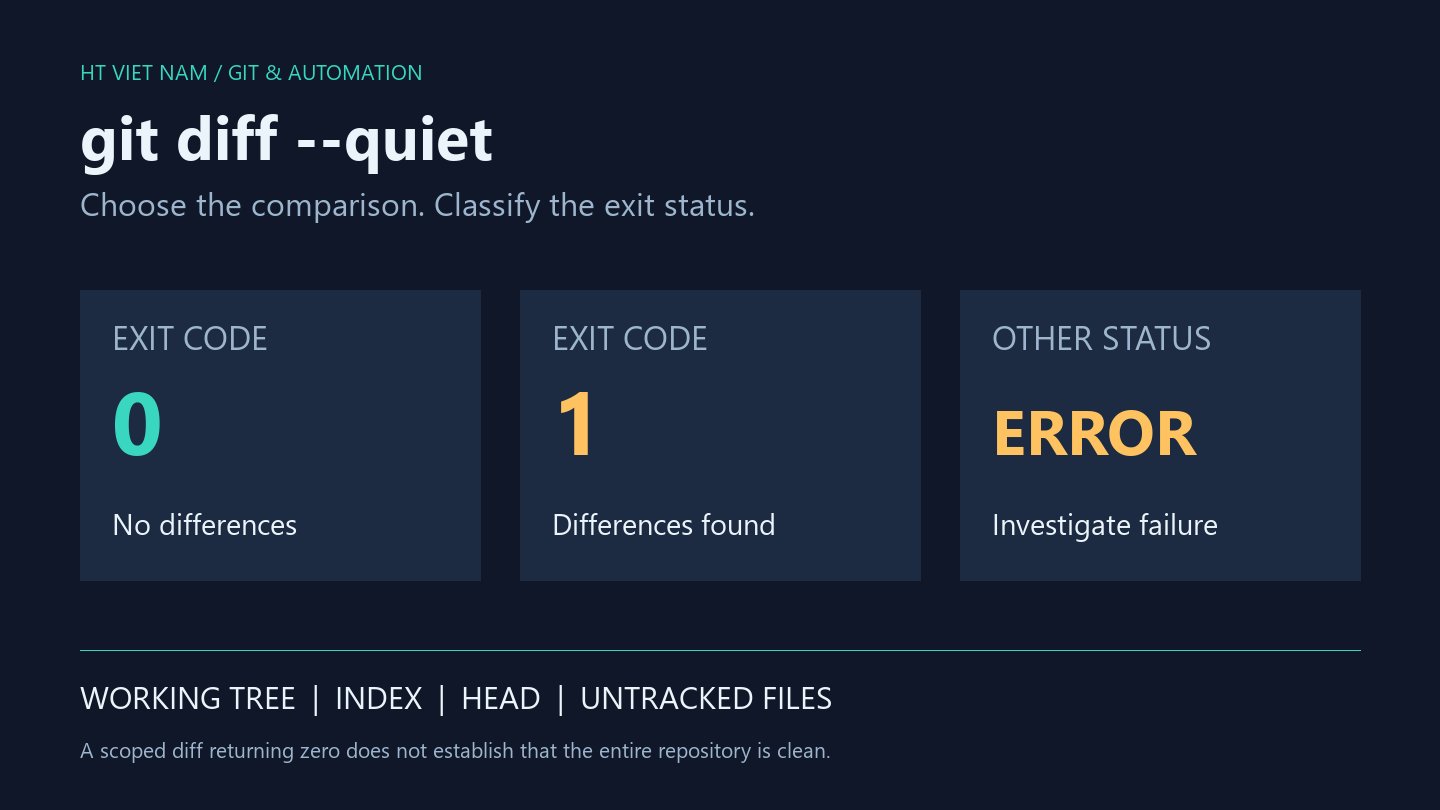
Detected problems produce a nonzero status. In CI or scripts, inspect messages too: an invalid path or environment error is not a successful check. Do not combine --check with --exit-code; the documentation lists them as incompatible.
If local and CI rules differ, inspect effective configuration before rewriting files. Do not change global settings simply to silence one project's warning.
5. Understand the limits
No whitespace warning does not prove correct behavior, resolved semantic conflicts or absence of secrets. Formatters, linters, tests and review serve separate purposes. A diff check is not a scan of every pre-existing problem throughout the repository.
Whitespace can be intentional in formats such as Markdown or test fixtures. Read context and project conventions before automatically removing it.
6. Pre-commit checklist
- Read git status to identify changed files.
- Select staged or unstaged scope deliberately.
- Correct selectively and review staged content again.
- Run --cached --check on the proposed commit.
- Run relevant lint and tests separately.
- Keep unrelated formatting changes out of functional patches.
git diff --check is a small, fast, scoped quality check. It supports review when used at the right point in the workflow, not when treated as a universal quality certificate.
No comments yet. Be the first to share your thoughts.