

A long README paragraph changes only two words, yet a normal diff marks the entire line as removed and added. Reviewers must scan each word to locate the edit. Git word-diff offers a complementary view: it marks changed words within a line, which is useful for documentation and interface messages.
1. Select the right scope first
Assume guide.txt is already tracked by Git. Run these commands from the repository root, substituting your project's path:
git --no-pager diff --word-diff=plain -- guide.txtThis inspects unstaged changes against the index. To review content already staged, use:
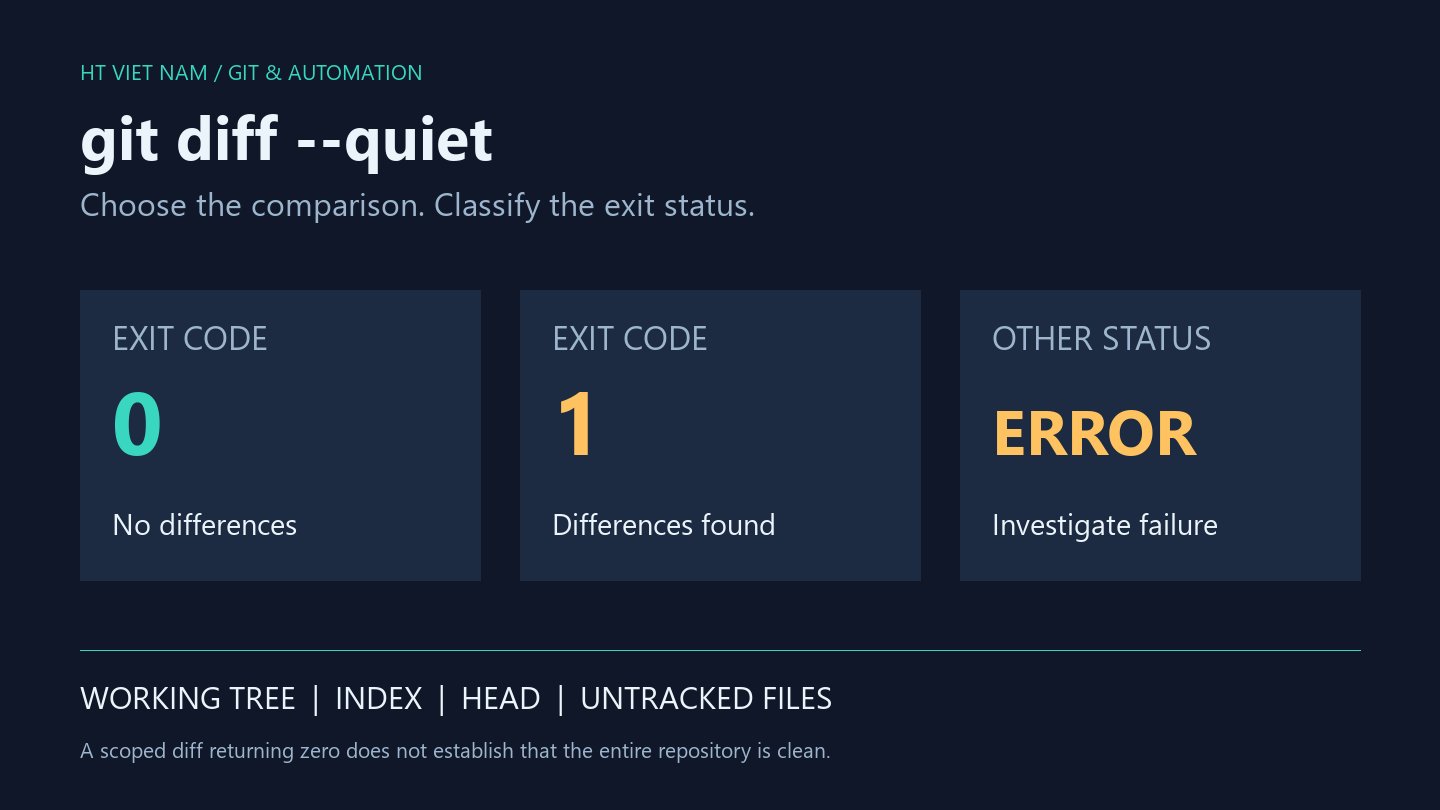
git --no-pager diff --cached --word-diff=plain -- guide.txtDo not conclude that nothing changed just because the first command shows nothing after staging the file. Also check status for new, untracked files: a normal diff does not automatically include their contents.
2. Read a retention-period change
In a test repository, guide.txt originally contained Keep logs for seven days.. Changing seven to fourteen without staging produced this word-diff line:
Keep logs for [-seven-]{+fourteen+} days.The text inside [-...-] was removed; the text inside {+...+} was added. A small textual edit can carry a substantial meaning: the retention period doubled. Reviewers still need to check related configuration and documentation instead of approving merely because the diff looks small.
The Git diff documentation notes that plain mode does not escape its delimiters when they occur in the input. If the file explains this syntax itself, cross-check a line-based diff to distinguish literal characters from display markers.
3. When is this useful?
This view helps with long sentences, error messages, and parameter descriptions. During review, read the full paragraph first, use word-diff to locate edits, and then check whether the revised wording still matches the application's behavior.
Git normally separates words using whitespace unless configuration or a diff driver specifies otherwise. It is not natural-language analysis: Vietnamese compound words, for example, can consist of multiple space-separated parts. Do not expect the tool to understand meaning or detect contradictions.
4. Keep a line-based review pass
git --no-pager diff --word-diff=none -- guide.txtAdd --cached when reviewing staged changes, as in the first section. This pass helps reveal line structure and whitespace that the word-oriented view may make less noticeable. For YAML, Python, or Markdown, formatting can affect meaning or presentation.
Do not treat plain output as a patch to apply, or build a parser that simply splits text at the bracket markers. It is a convenient human-readable view, not a guarantee of unambiguous machine parsing.
5. Documentation review checklist
- Confirm whether you are inspecting unstaged or staged changes.
- Read the complete revised sentence, not only the marked words.
- Check related numbers, units, and commands.
- Cross-check a line-based diff and inspect rendered output when formatting matters.
- Stage or commit only after review; these inspection commands do neither automatically.
Word-diff helps locate textual edits quickly. Its greatest value comes from combining that view with context: what the sentence claims, whether the change is accurate, and how readers will interpret the updated document.
No comments yet. Be the first to share your thoughts.