
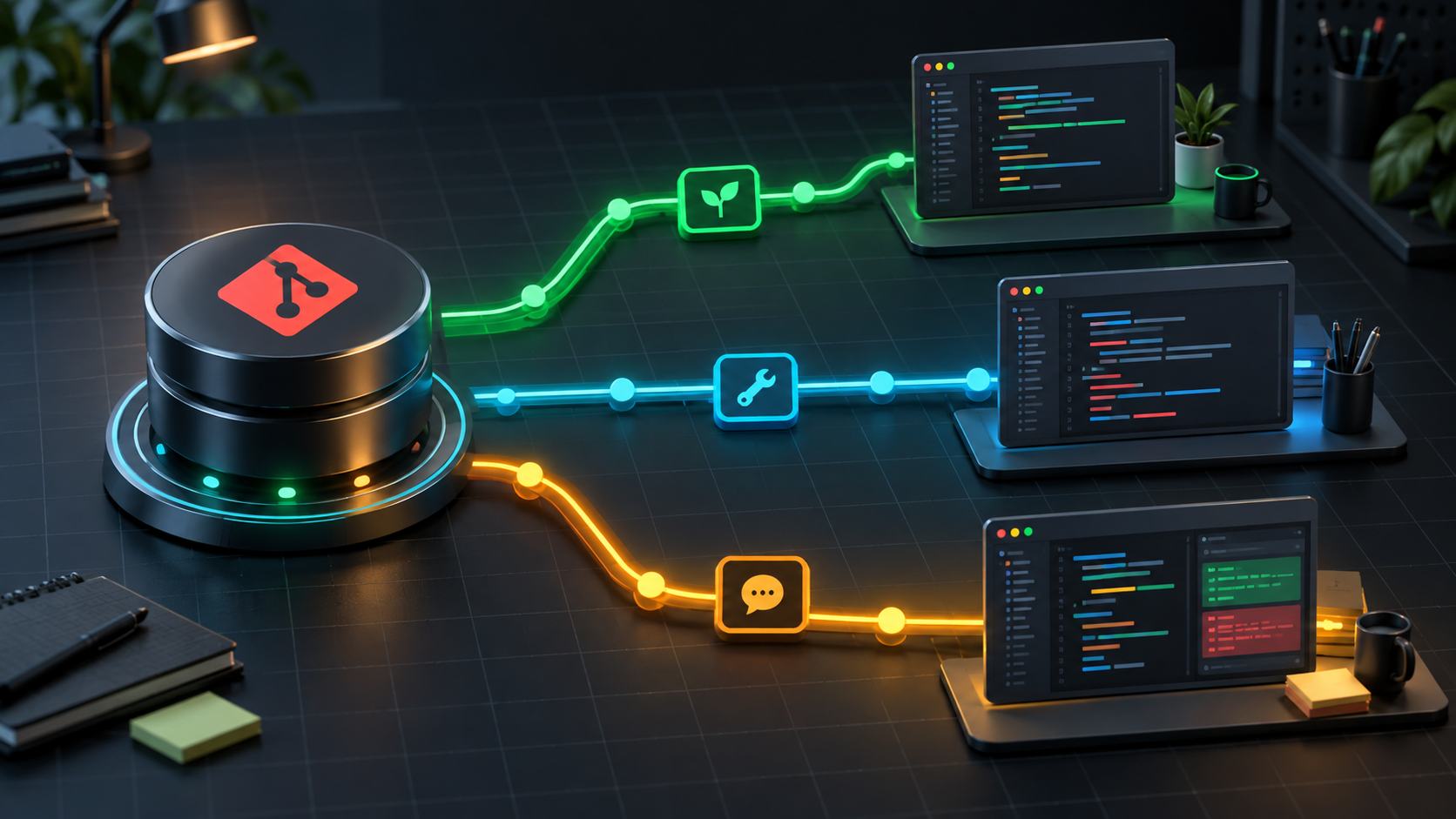
You are halfway through a feature when production suddenly needs a hotfix. The familiar response is to stash your changes, switch branches, fix the issue, and restore the original workspace. That becomes awkward when many files are uncommitted, dependencies are running, and the IDE already holds valuable context. git worktree solves this by giving one repository multiple working directories, each with its own checked-out branch.
What is Git worktree?
A conventional repository has one working tree: the directory containing the files you edit. Git worktree can attach additional linked worktrees to that repository. They share the Git object database and history while keeping their own HEAD, index, and working files.
Because Git data is shared, a worktree is lighter than cloning the entire repository again. A commit created in a feature worktree is immediately visible from the main repository; there is no need to fetch between local directories.
A worktree is not a disposable copy. It is a real Git workspace with an independent branch and file state.
When should you use it?
- A long-running feature is in progress when an urgent hotfix arrives.
- You need two application versions running side by side for comparison.
- You want to review a pull request without disturbing current development.
- Tests or migrations must run on one branch while you code on another.
- Several tasks or coding agents need isolated workspaces in parallel.
If you only need to inspect an old file or switch from a clean workspace, git switch remains simpler. Worktrees are most valuable when contexts must stay alive at the same time.
1. Create a worktree for a new feature
Assume the main repository is in shop on the main branch:
cd shop
git fetch origin
git worktree add -b feature/checkout ../shop-checkout origin/main
This creates feature/checkout from origin/main and checks it out into the sibling directory shop-checkout. Open a new IDE window or terminal:
cd ../shop-checkout
git status
git branch --show-current
Every commit here belongs to the feature branch. The main repository keeps its current branch and all original uncommitted changes untouched.
2. Create a hotfix while the feature stays open
git fetch origin
git worktree add -b hotfix/payment-timeout ../shop-hotfix origin/main

cd ../shop-hotfix
# fix the issue and run tests
git add .
git commit -m "Fix payment timeout handling"
git push -u origin hotfix/payment-timeout
The feature requires no stash, and its development server can keep running. Once the hotfix is merged, remove the worktree properly:
cd ../shop
git worktree remove ../shop-hotfix
git branch -d hotfix/payment-timeout
worktree remove removes only a clean worktree. Git refuses when tracked changes or untracked files remain, protecting your data. Inspect, commit, or back up anything important before considering --force.
3. Check out an existing branch
git fetch origin
git worktree add ../shop-release release/2.4
A normal branch cannot be checked out in two worktrees at once. This restriction prevents two directories from silently mutating the same branch. If a branch is already in use, git worktree list shows where it lives.
To inspect a commit without attaching a branch, for example during an investigation or benchmark, use detached HEAD:
git worktree add --detach ../shop-benchmark v2.3.1Create a branch before cleanup if you need to preserve commits made in detached mode.
4. Manage the worktree inventory
git worktree list
git worktree list --porcelain
The default output is human-friendly. The stable --porcelain format is intended for scripts. Avoid reading or modifying administrative files in .git/worktrees yourself.
A practical convention is to keep linked worktrees beside the main repository:
projects/
├── shop/              # main worktree
├── shop-feature-cart/
├── shop-hotfix-auth/
└── shop-review-482/
Name directories after their purpose and issue or PR number. Do not place a worktree inside the main repository: search tools, file watchers, or Docker build contexts may accidentally scan another branch's source.
5. Dependencies, environment variables, and ports
Worktrees share Git objects, not ignored files. Each directory usually needs its own node_modules, vendor, or virtual environment. That isolation is useful, though it consumes extra disk space.
- Create a separate
.envfor each worktree and never commit secrets. - Use distinct databases, schemas, or container names when versions run concurrently.
- Assign different ports, such as 3000 for the main app and 3001 for the feature.
- Do not share build or cache directories unless the tool explicitly supports concurrency.
A project bootstrap script can copy .env.example, install dependencies, and print a suggested port after a worktree is created.
6. Move, lock, and repair worktrees
Use Git when relocating a linked worktree instead of dragging the directory:
git worktree move ../shop-feature-cart ../archive/shop-cartIf a worktree lives on removable storage or a network share that is not always mounted, lock it so its metadata is not pruned:
git worktree lock --reason "External SSD" ../archive/shop-cart
git worktree unlock ../archive/shop-cart
If the directory was moved manually or the main repository path changed, run:
git worktree repair ../archive/shop-cartWorktrees containing submodules have additional move and removal limitations. Check your Git version and current documentation before automating that workflow.
7. Clean up stale metadata
If someone deletes a linked directory directly, its administrative metadata may remain. Preview the cleanup first:
git worktree prune --dry-run --verbose
git worktree prune --verbose
prune removes metadata for missing worktrees; it does not delete merged branches. Branch cleanup remains a separate git branch -d operation.
8. A safe pull request review workflow
git fetch origin pull/482/head:review/pr-482
git worktree add ../shop-review-482 review/pr-482

cd ../shop-review-482
# install dependencies, run tests, inspect code
After the review:
cd ../shop
git worktree remove ../shop-review-482
git branch -D review/pr-482
This workflow preserves the feature workspace while letting you test the actual proposed code. On platforms that do not expose a pull/.../head ref, fetch the corresponding remote branch and create the worktree from that remote-tracking branch.
9. Common mistakes
- “branch is already checked out”: the branch belongs to another worktree; use
git worktree listinstead of forcing checkout. - Deleting a directory in a file manager: use
git worktree removeto remove both the directory and metadata. - Assuming stash belongs to one workspace: stashes belong to the shared repository and are visible from every worktree.
- Two servers compete for one port: assign separate ports, databases, and container names.
- Force-removing without inspection: untracked files can be lost; always run
git statusin the correct worktree. - Accumulating abandoned worktrees: periodically review their branches, ages, and PR states.
Team adoption checklist
- Keep linked worktrees outside the main repository directory.
- Give every task one clearly named branch and worktree.
- Separate ports, databases, caches, and environment variables for concurrent runs.
- Commit or preserve important data before removal.
- Use
remove,move, andrepairinstead of manual file operations. - Clean up the worktree after merge and delete the branch according to team policy.
Conclusion
git worktree does not replace branches, commits, or stashes. It adds the ability to keep multiple development contexts active at once. For long-running features, urgent fixes, and parallel reviews, worktrees reduce context switching while retaining Git's data safeguards. Start with one small hotfix worktree, establish a clear directory convention, and remove it as soon as the task is complete.


No comments yet. Be the first to share your thoughts.