
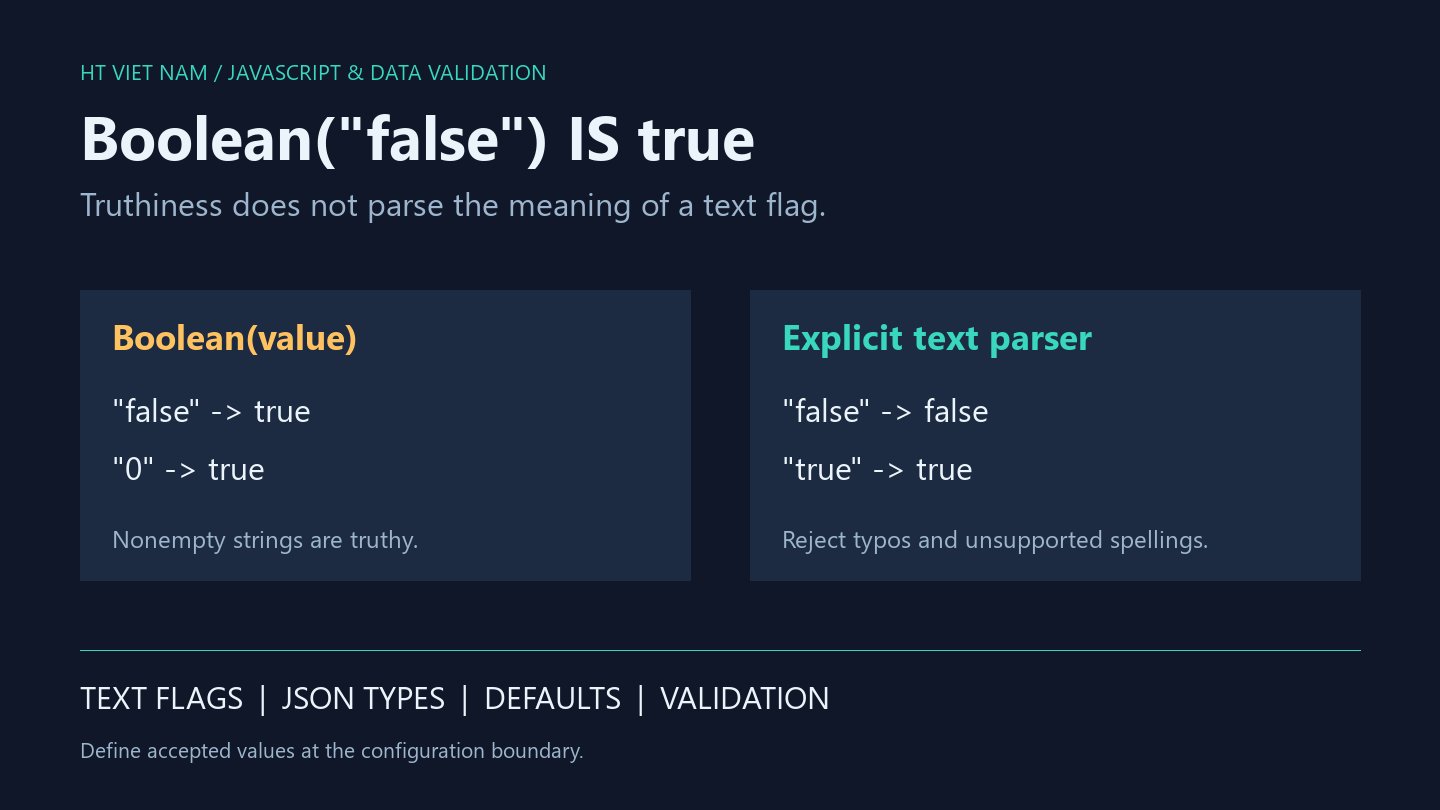
PREVIEW=false is configured, yet preview mode stays enabled. A common cause is Boolean(value) or !!value applied to a string. Both test truthiness rather than parsing the words true and false.
1. Nonempty strings are truthy
console.log(Boolean('false')); // true
console.log(Boolean('0')); // true
console.log(Boolean(' ')); // true
console.log(Boolean('')); // false
console.log(!!'false'); // true
The string 'false' contains characters, so conversion produces true. Replacing Boolean with double negation leaves that behavior unchanged. Inspect actual input types when reviewing configuration flags.
Node.js documents that .env values are interpreted as strings. These examples use simulated input without reading or changing real environment variables.
2. Define the accepted vocabulary
This helper accepts undefined or the exact strings 'true' and 'false'. Absence defaults to false. Empty strings, '0', uppercase 'FALSE' and whitespace are rejected. Broaden that vocabulary explicitly if the product requires more spellings.
function parsePreviewFlag(value) {
  if (value === undefined) return false;
  if (value === 'true') return true;
  if (value === 'false') return false;
  throw new TypeError('Expected true, false, or an absent value');
}
console.log(parsePreviewFlag(undefined)); // false
console.log(parsePreviewFlag('true')); // true
console.log(parsePreviewFlag('false')); // false
try {
  parsePreviewFlag('');
} catch (error) {
  console.log(error instanceof TypeError); // true
}
A standalone value === 'true' comparison silently turns a typo such as 'treu' into false. The helper instead makes invalid input visible during configuration initialization. Required settings should reject absence rather than inherit this example's default.
3. JSON can contain booleans or strings
const typed = JSON.parse('{"preview":false}');
const textual = JSON.parse('{"preview":"false"}');
console.log(typeof typed.preview); // boolean
console.log(typeof textual.preview); // string
console.log(typed.preview); // false
console.log(Boolean(textual.preview)); // true
The example demonstrates that JSON.parse preserves the distinction. An API requiring a boolean should validate typeof preview === 'boolean' and retain that value. The text parser belongs at a textual boundary rather than every data source.
4. Avoid Boolean wrapper objects in conditions
const wrapped = new Boolean(false);
console.log(typeof wrapped); // object
console.log(Boolean(wrapped)); // true
console.log(wrapped.valueOf()); // false
A wrapper holding false remains truthy in conditions. Keep primitive booleans for on/off state; an object displaying false does not imply an if statement takes its false branch.
5. Test the configuration boundary
- Absence, 'true' and 'false'.
- Empty strings, whitespace and case variations.
- '0', '1', null and real booleans mistakenly sent to the text parser.
- Misspellings such as 'treu' must fail.
- API booleans must match the schema.
All eight bilingual code blocks ran with Node.js, alongside accepted-value and rejection checks. Real .env loading and UI integration were not tested. References: MDN Boolean and Node.js environment variable values.
No comments yet. Be the first to share your thoughts.