
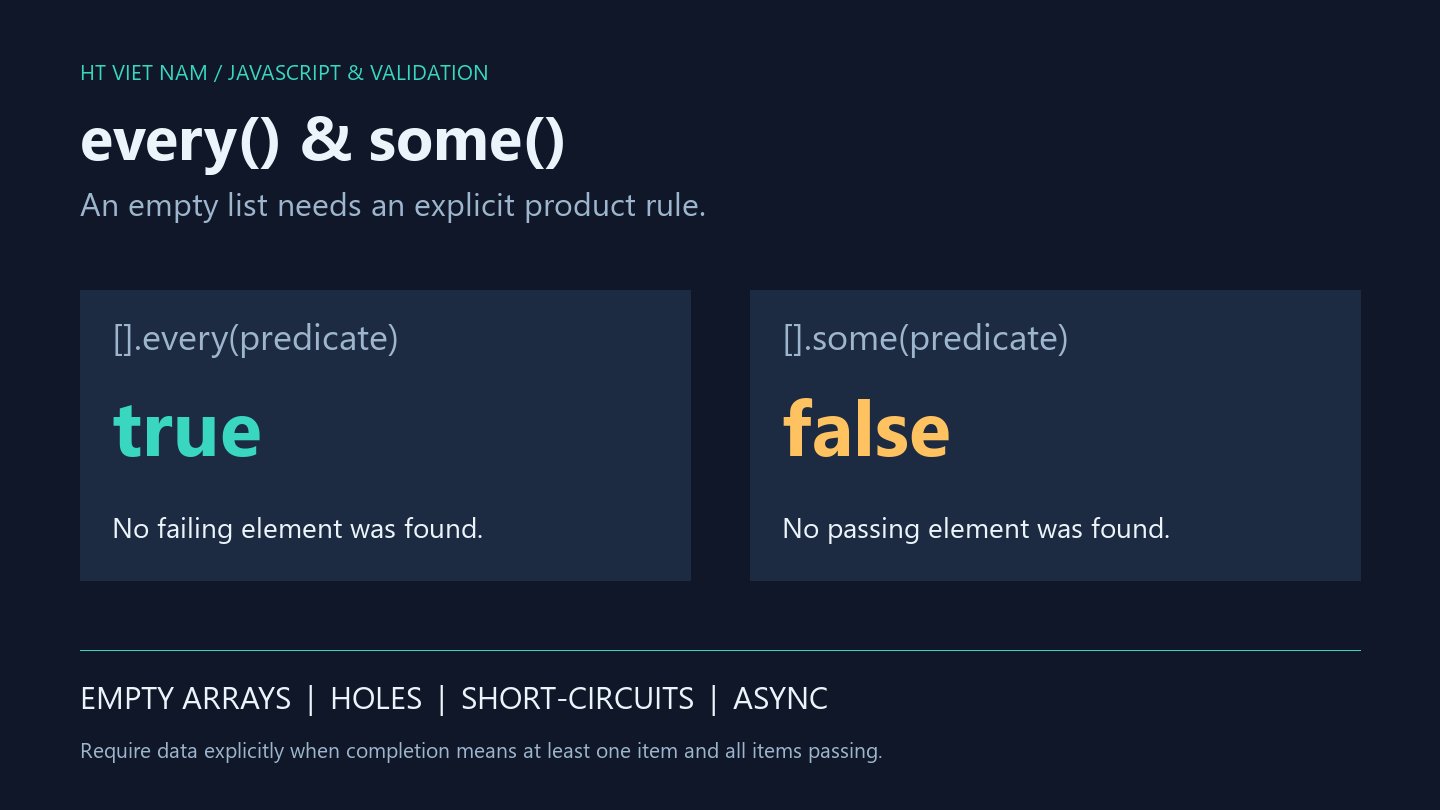
A screen has no tasks, yet displays “All complete”. The application may be using every without defining what an empty list means. The method is consistent; the missing part is often a product rule.
These in-memory examples distinguish all items passing, at least one item passing, and requiring data before evaluating completion.
1. Empty arrays have different outcomes
const tasks = [];
console.log(tasks.every(task => task.done === true)); // true
console.log(tasks.some(task => task.done === true));  // false
every finds no failing element and returns true. some finds no passing element and returns false. Neither callback runs for an empty array.
If completion requires at least one task, check cardinality explicitly. Keep loading, failed loading and a valid empty result distinct rather than converting every state to [].
2. Express the nonempty requirement
function allTasksDone(tasks) {
  if (!Array.isArray(tasks)) {
    throw new TypeError('Expected a task array');
  }
  return tasks.length > 0 && Array.from(tasks).every(task =>
    task !== null && typeof task === 'object' &&
    !Array.isArray(task) && task.done === true
  );
}

console.log(allTasksDone([]));                         // false
console.log(allTasksDone([{ done: true }]));           // true
console.log(allTasksDone([{ done: true }, { done: false }])); // false
The illustrative policy requires a nonempty task array and boolean true. Neither the string "true" nor 1 qualifies. Array.from materializes ordinary holes as undefined so missing data is not skipped.
This is a status check, not a full schema validator: IDs, uniqueness and other business fields remain separate. It targets ordinary data arrays rather than arbitrary customized objects or proxies.
3. Holes differ from explicit undefined
const holes = new Array(2);
const explicit = [undefined, undefined];
let calls = 0;

console.log(holes.every(() => { calls += 1; return false; })); // true
console.log(calls); // 0
console.log(explicit.every(value => value !== undefined)); // false
Without inherited indexed properties in this example, holes are skipped rather than visited with undefined. The explicit array contains actual elements that the predicate sees.
Do not use new Array(n).every(...) to establish that n records were processed. Define whether sparse input is accepted, rejected or converted first.
4. Account for short-circuiting
const visited = [];
const found = [2, 7, 9].some(value => {
  visited.push(value);
  return value > 5;
});

console.log(found);             // true
console.log(visited.join(',')); // 2,7
some stops at its first truthy result; every stops at its first falsy result. Mandatory work for every element, such as collecting all validation errors, should not depend on a short-circuiting predicate.
Collect the complete error list in a separate traversal when needed. Avoid modifying the tested array inside predicates.
5. Async predicates are not awaited
const wrong = [1, 2].every(async value => value < 0);
console.log(wrong); // true

const checks = await Promise.all(
  [1, 2].map(async value => value < 0)
);
console.log(checks.every(value => value === true)); // false
Run this in an async function or a module supporting top-level await. Async callbacks return truthy Promise objects. Awaiting the outer every call does not make it inspect their eventual boolean values.
The corrected example resolves booleans first. Real requests need rejection, timeout and concurrency policies. Promise.all does not turn mapped tasks into sequential short-circuiting checks; use an explicit awaited loop if that behavior is required.
6. Useful test cases
- Empty, singleton and multi-item inputs.
- All passing, all failing and mixed outcomes.
- Boolean true versus strings, numbers and missing fields.
- Sparse arrays versus explicit undefined.
- Callback counts under short-circuiting.
- Resolved false and rejected promises under the chosen async policy.
The snippets ran locally with Node.js. Browser UI and network requests were not tested. References: Array.prototype.every and Array.prototype.some.
Name conditions after their product meaning. “All pass” and “data exists and all pass” need separate expressions.
No comments yet. Be the first to share your thoughts.