
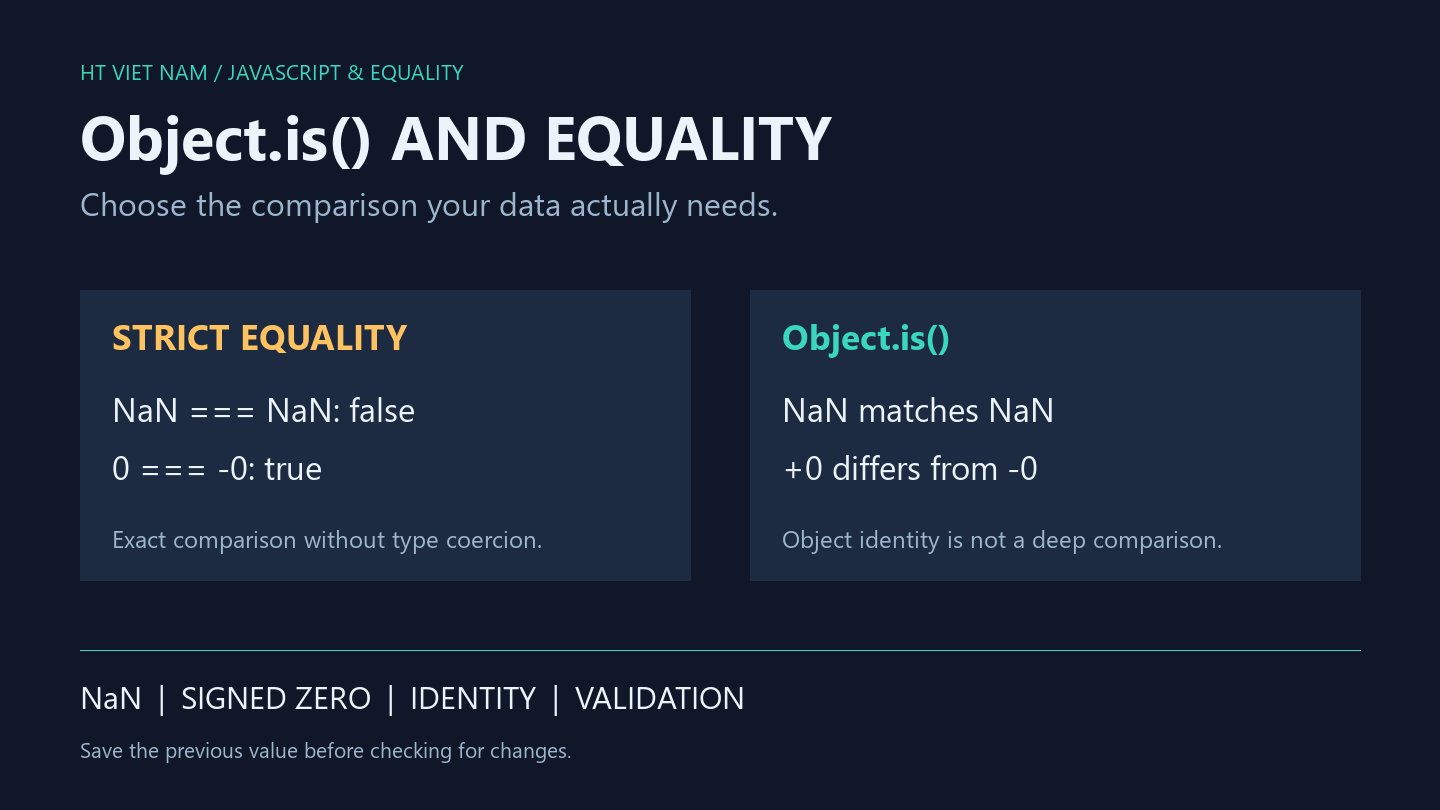
Replacing === with Object.is changes how a change detector handles NaN and signed zero. The name can also suggest that Object.is compares object contents. Choose an equality rule based on the data and the decision it controls.
1. Know the two numeric exceptions
console.log(NaN === NaN); // false
console.log(Object.is(NaN, NaN)); // true
console.log(0 === -0); // true
console.log(Object.is(0, -0)); // false
console.log(Object.is('7', 7)); // false
Object.is follows SameValue: NaN matches itself, while the two signs of zero differ. It does not coerce a string to a number. Other values produce the same results as ===. References: MDN Object.is and the SameValue specification.
A detector based on !Object.is(previous, next) treats repeated NaN as unchanged. That does not validate the calculation: the application still needs a separate policy for reporting non-finite results.
2. Signed zero can affect subsequent arithmetic
console.log(1 / 0); // Infinity
console.log(1 / -0); // -Infinity
console.log(String(-0)); // 0
console.log(Object.is(-0, 0)); // false
Values displayed as the same text can produce different reciprocals. Preserving the sign may matter when the direction toward zero carries information. For a product count, the application may deliberately treat both zeros as equivalent.
A screenshot or formatted log string is insufficient evidence that the underlying numbers are identical. Inspect raw values and the comparison at the point where an update decision is made.
3. Object.is neither compares deeply nor preserves history
const reading = { value: 12 };
const previous = reading;
reading.value = 13;
console.log(Object.is(previous, reading)); // true
console.log(previous.value); // 13
console.log(Object.is(reading, { value: 13 })); // false
Mutating a property does not change the object's identity. The previous variable is not a historical snapshot. A newly constructed object with matching properties has a different identity.
To track a numeric field, save its value before mutation. To compare whole records, define the relevant fields, missing-field handling and nested-structure policy. Choosing another comparison function cannot recover a state that was never saved.
4. Define a finite-reading contract
function sameReading(previous, next) {
  if (!Number.isFinite(previous) || !Number.isFinite(next)) {
    throw new TypeError('readings must be finite numbers');
  }
  return previous === next;
}
console.log(sameReading(12, 12)); // true
console.log(sameReading(12, 13)); // false
console.log(sameReading(0, -0)); // true
This helper accepts only finite numbers, merges signed zeros and requires exact equality. Numeric strings, null, NaN and Infinity are rejected. Once NaN is excluded and both zeros intentionally match, === directly expresses this policy.
The contract supplies no tolerance for sensor noise or floating-point calculations. If the application needs one, define its units and allowed error, then test its boundaries separately. This helper also does not validate an entire multi-field message.
5. Review before changing equality rules
- Should repeated NaN represent one error state or trigger another event?
- Does the sign of zero matter to later arithmetic?
- Was the previous value saved, or is it a reference to a mutated object?
- Does the decision require exact equality or a domain-specific tolerance?
- Where are invalid inputs rejected?
All eight bilingual blocks ran with Node.js, with additional finite-number, invalid-type and signed-zero checks. Real sensor systems and browser interfaces were not integrated.

No comments yet. Be the first to share your thoughts.