
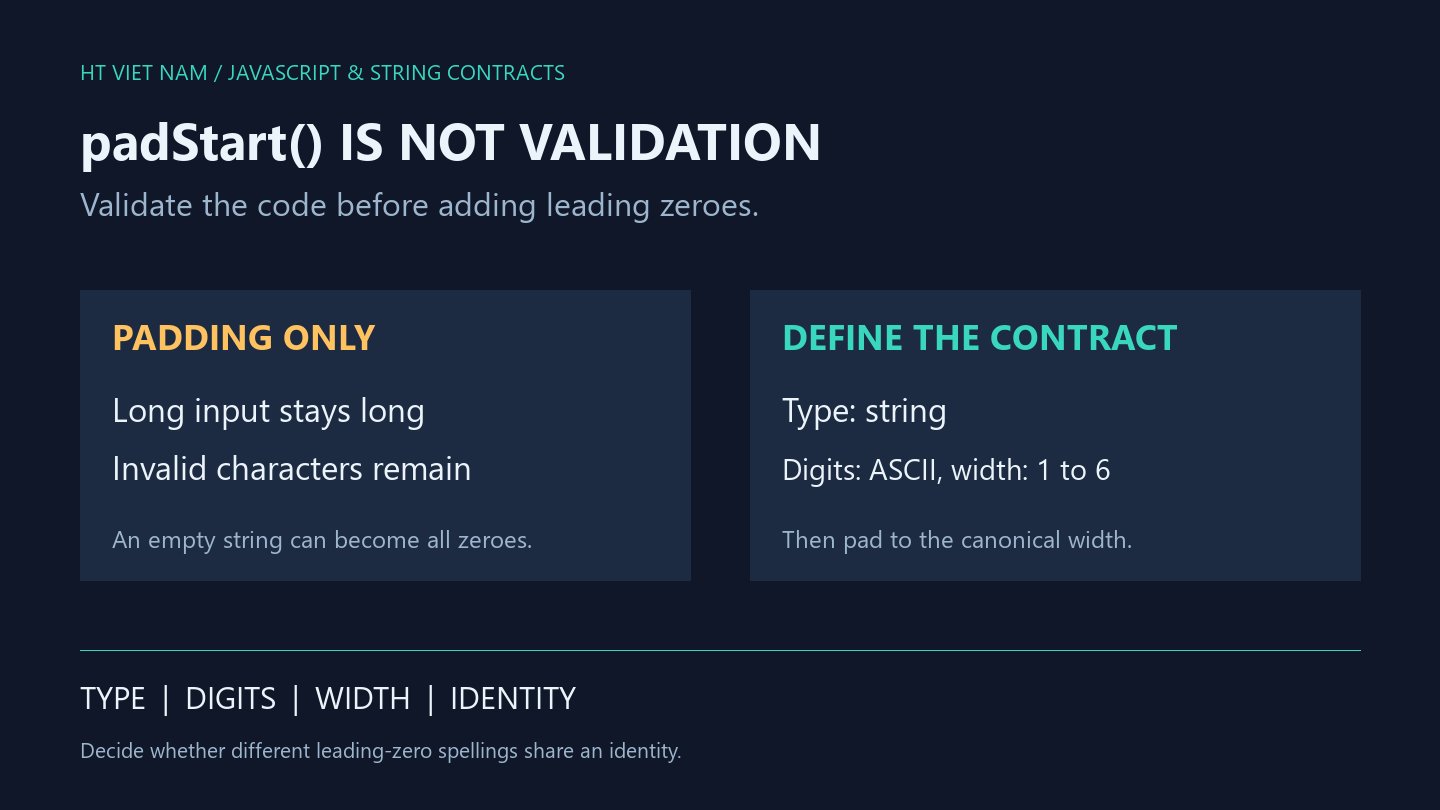
A zero-padded code can still be invalid or exceed its allowed width. padStart handles string presentation. Define a data contract before using it for order codes, device codes or sequence labels.
1. Target length is not a maximum
console.log('27'.padStart(6, '0')); // 000027
console.log('1234567'.padStart(6, '0')); // 1234567
console.log('1234567'.padStart(6, '0').length); // 7
padStart adds leading padding when needed and leaves an already longer string unchanged. See MDN padStart. Calling padStart(6, '0') does not establish an exact six-character result.
Reject oversized input when the contract requires exactly six digits. Taking the last six characters to fit a display can make distinct identifiers look identical; that changes identity rather than merely presentation.
2. Empty strings and minus signs still receive padding
console.log(''.padStart(4, '0')); // 0000
console.log('-7'.padStart(4, '0')); // 00-7
console.log('A7'.padStart(4, '0')); // 00A7
These are valid string-operation results, but may violate your code format. Padding an empty field can turn missing input into a seemingly complete identifier.
If negative numbers belong to the domain, define sign formatting separately. For ASCII-digit codes, validate that requirement explicitly.
3. Validate first, then format
function formatSixDigitCode(value) {
  if (typeof value !== 'string') {
    throw new TypeError('code must be a string');
  }
  if (value.length < 1 || value.length > 6 || /[^0-9]/.test(value)) {
    throw new RangeError('code must contain 1 to 6 ASCII digits');
  }
  return value.padStart(6, '0');
}
console.log(formatSixDigitCode('7')); // 000007
console.log(formatSixDigitCode('0012')); // 000012
This example contract accepts one to six ASCII digits as a string and produces six characters. It retains leading zeroes, performs no trimming or Number conversion, and rejects signs, whitespace and other digit alphabets.
'0' is syntactically allowed here. Add separate rules if the business reserves all-zero codes or particular ranges. Matching the format does not prove that a record exists or that a user may access it.
4. Formatting can merge two spellings
const first = '7'.padStart(6, '0');
const second = '0007'.padStart(6, '0');
console.log(first === second); // true
console.log(JSON.stringify({ code: first })); // {"code":"000007"}
Decide whether '7' and '0007' identify the same thing. If so, this output can provide a canonical spelling. If they are distinct identifiers, padding both to the same width is unsuitable for constructing lookup keys.
Keep the canonical format as a string in API contracts and suitable storage fields. Verify the actual imported values from spreadsheets and other systems rather than relying on a display that merely shows leading zeroes.
5. Test rejected inputs too
- One digit, exactly six digits and seven digits.
- Empty input, spaces and line terminators.
- Minus signs, plus signs and embedded letters.
- Numbers, null and undefined instead of strings.
- Different leading-zero spellings and their identity policy.
All eight bilingual code blocks ran with Node.js, alongside type, length, character and repeated-formatting checks. Live APIs, spreadsheets and business data were not integrated.
No comments yet. Be the first to share your thoughts.