
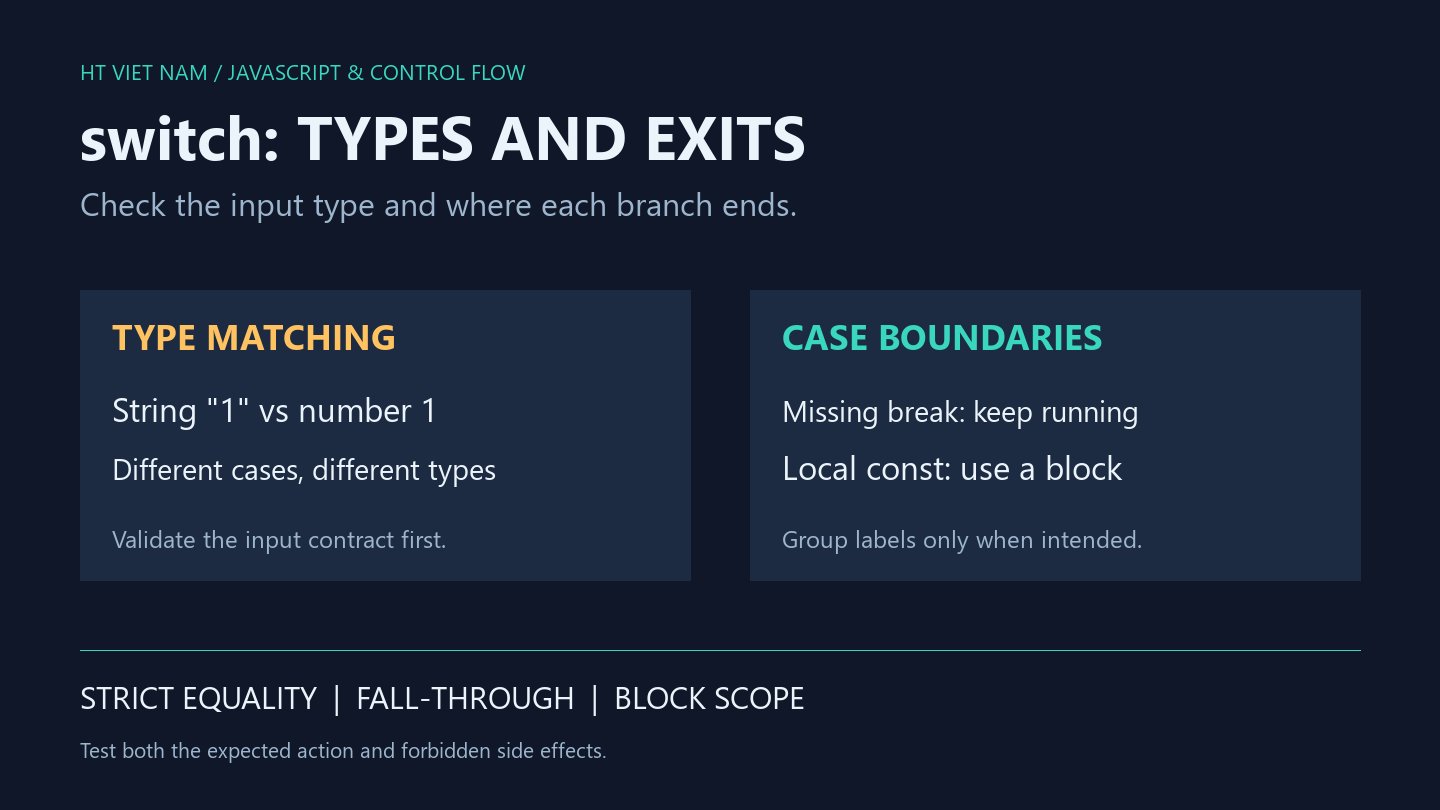
A status looks like 1 but reaches default, or one selection triggers two actions. Input types and case exit points explain these two distinct bugs. Test them separately before changing business rules.
1. The string '1' does not match case 1
function label(value) {
  switch (value) {
    case 1: return 'active';
    case 0: return 'inactive';
    default: return 'unknown';
  }
}
console.log(label('1')); // unknown
console.log(label(1)); // active
switch matches with strict equality without converting a string to a number. See MDN switch. Check the actual form or API input type before adding another case as a patch.
label deliberately performs no conversion. Reject an unexpected type or normalize it at the input boundary under an explicit contract. Avoid scattering inconsistent conversions across branches.
2. Matching a case does not stop execution at the next label
const events = [];
switch ('preview') {
  case 'preview':
    events.push('render preview');
  case 'publish':
    events.push('send publish');
    break;
  default:
    events.push('unsupported');
}
console.log(events.join('|')); // render preview|send publish
The missing break lets execution continue into the publish body. This reproduction writes only an array, not real content. The publish label is not matched again as a condition for running that body.
Test forbidden side effects too: preview must call publish zero times. Checking only that a preview was rendered misses the extra action.
3. Return directly when the function selects a result
function actionFor(value) {
  if (typeof value !== 'string') throw new TypeError('action must be a string');
  switch (value) {
    case 'preview':
      return 'render preview';
    case 'publish':
      return 'send publish';
    case 'cancel':
    case 'close':
      return 'dismiss';
    default:
      throw new RangeError('unsupported action');
  }
}
console.log(actionFor('preview')); // render preview
console.log(actionFor('close')); // dismiss
The example distinguishes invalid types from unsupported strings. cancel and close intentionally share an outcome. It does not trim or change case; define and test such normalization at input if the product allows it.
return exits a function. An unlabeled break exits the nearest enclosing switch or loop. If work must continue after switch, choose the appropriate structure instead of mechanically replacing every break with return.
4. Add blocks for branch-local declarations
function describe(kind) {
  switch (kind) {
    case 'text': {
      const result = 'plain text';
      return result;
    }
    case 'image': {
      const result = 'image file';
      return result;
    }
    default:
      return 'unknown';
  }
}
console.log(describe('text')); // plain text
console.log(describe('image')); // image file
Case labels do not create separate block scopes. Braces place the two result bindings in different blocks. Declaring const result twice directly in the same switch body causes a SyntaxError even when only one branch is expected to run. See the lexical-declaration and case-execution rules in ECMAScript switch statement.
5. Review inputs and side effects together
- Test numbers, corresponding strings, null and unsupported values.
- Identify intentionally grouped labels.
- Check intended exits via break, return or throw.
- Verify that one selection cannot trigger another action.
- Give branch-local declarations explicit blocks.
All eight bilingual blocks ran with Node.js, alongside invalid-type, unsupported-string and duplicate-declaration syntax checks. These are in-memory logic tests rather than form, API or live publishing integration tests.
No comments yet. Be the first to share your thoughts.