
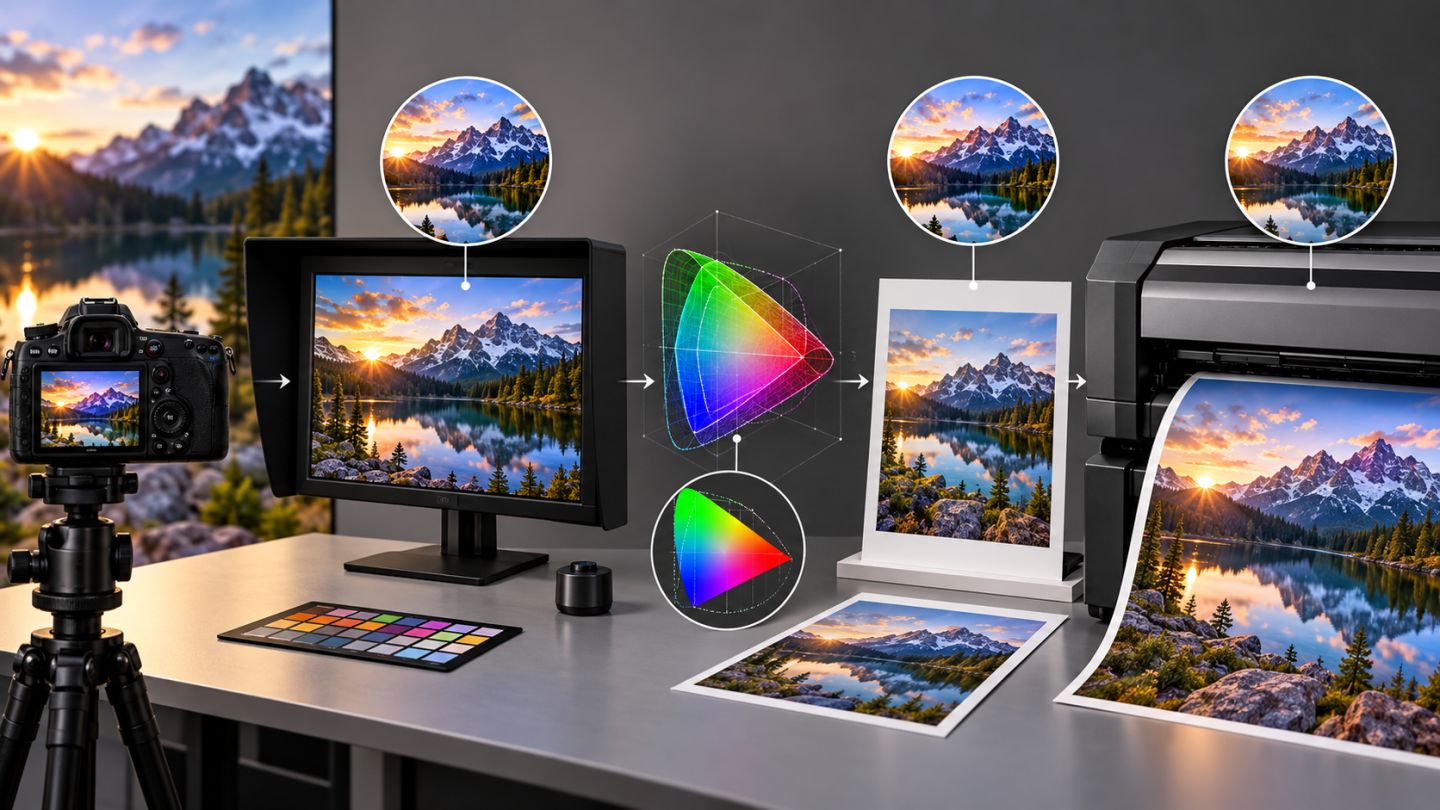
A color profile describes how color numbers should be interpreted in a device or color space. Without the right profile, identical RGB values can look different across applications, displays, and printers.
Separate three concepts
| Concept | Role |
|---|---|
| Document profile | Defines color meaning inside a file |
| Working space | Default space and policy for new documents |
| Monitor profile | Used by the system to display color on one screen |
sRGB, Adobe RGB, and CMYK
- sRGB: broad compatibility for web and general digital content.
- Adobe RGB: wider gamut in some regions for managed photo and print workflows.
- CMYK: depends on press, ink, and paper; no single CMYK fits every printer.
Assign versus Convert
Assign Profile preserves color numbers but changes their interpretation, which can alter appearance dramatically. Convert to Profile changes numbers to preserve appearance across spaces. Assign only when a profile is missing or incorrect and the source is known.
Safe workflow
- Calibrate the display and let the system manage its profile.
- Preserve embedded profiles unless the workflow says otherwise.
- Edit in a space appropriate to the destination.
- Soft-proof with the printer's paper/profile combination.
- Convert an output copy to its destination profile.
- Embed the profile when saving.
Soft proof is not a physical proof
View > Proof Setup simulates output. Paper Color and Black Ink may be available. Accuracy still depends on display, profiles, and ambient light; critical work may require a hard proof.
Common mistakes
- Using a monitor profile as a working space.
- Converting to CMYK without the printer's profile.
- Assigning sRGB to fix an Adobe RGB display problem.
- Saving without embedding the profile.
- Oversaturating to compensate for out-of-gamut color.
Color management does not make devices identical; it makes conversions predictable and controllable.
Practice exercise
Open a tagged image and make two copies: Assign sRGB to one and Convert to sRGB on the other. Compare appearance and histogram, then soft-proof with a valid print profile.




No comments yet. Be the first to share your thoughts.