

Photoshop is Adobe's raster image editing, compositing, and visual design application. It is widely used in photography, communications, e-commerce, social content, and other creative workflows.
Beginners do not need to learn every tool at once. Faster progress comes from understanding a few core ideas, completing small exercises, and keeping every project editable.
What is Photoshop good for?
- Correcting exposure, color, and composition.
- Removing distractions and retouching photographs.
- Separating subjects and building composites.
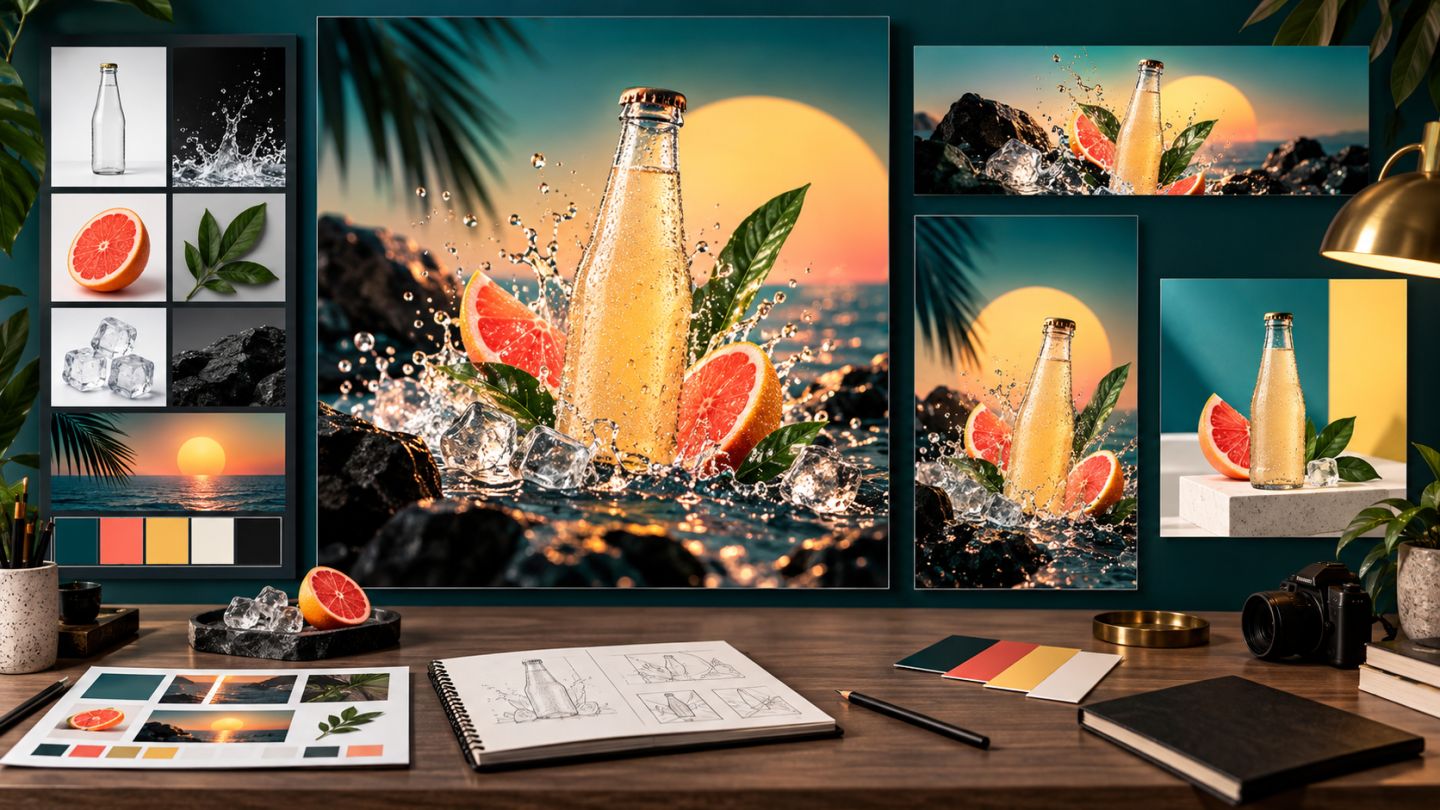
- Creating banners, thumbnails, posters, and product visuals.
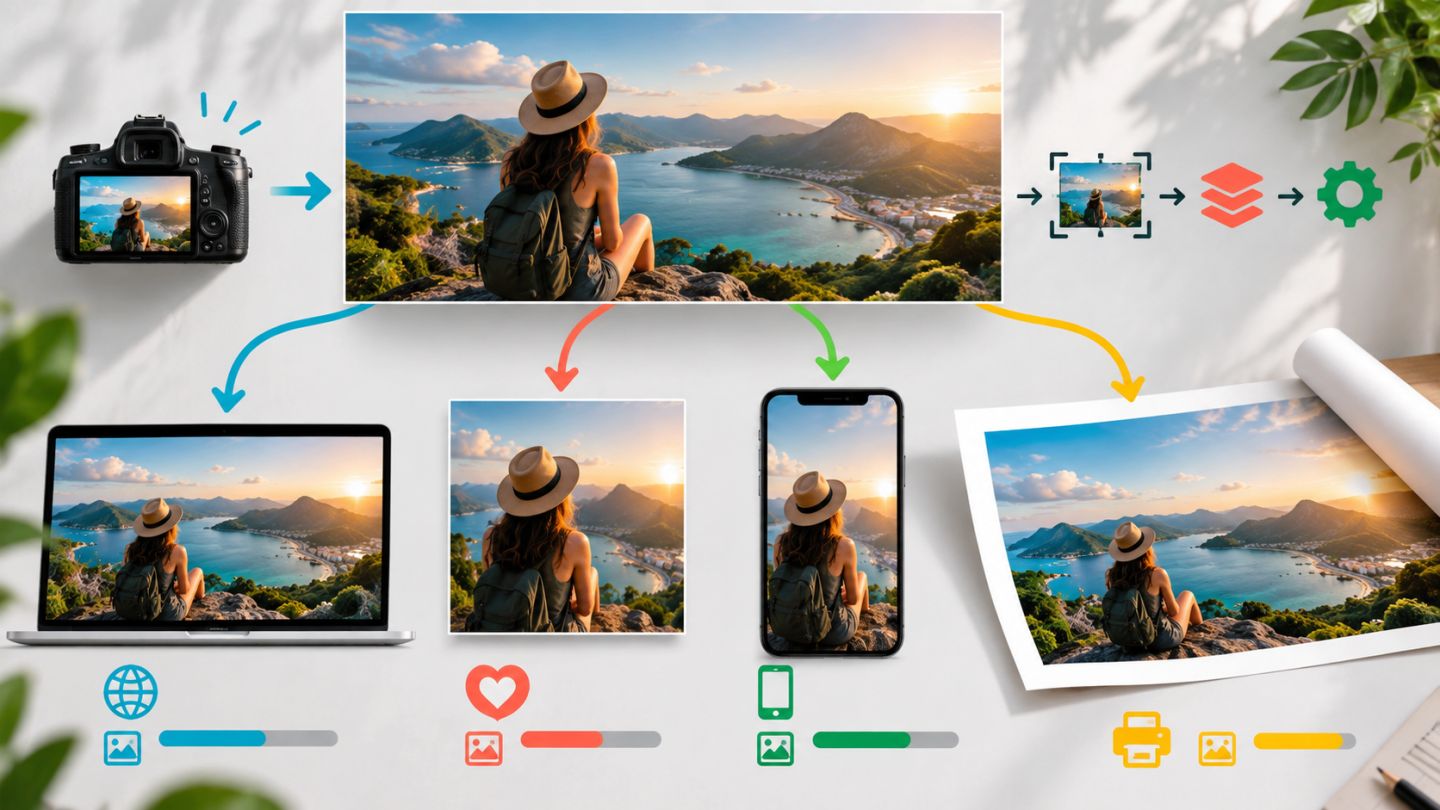
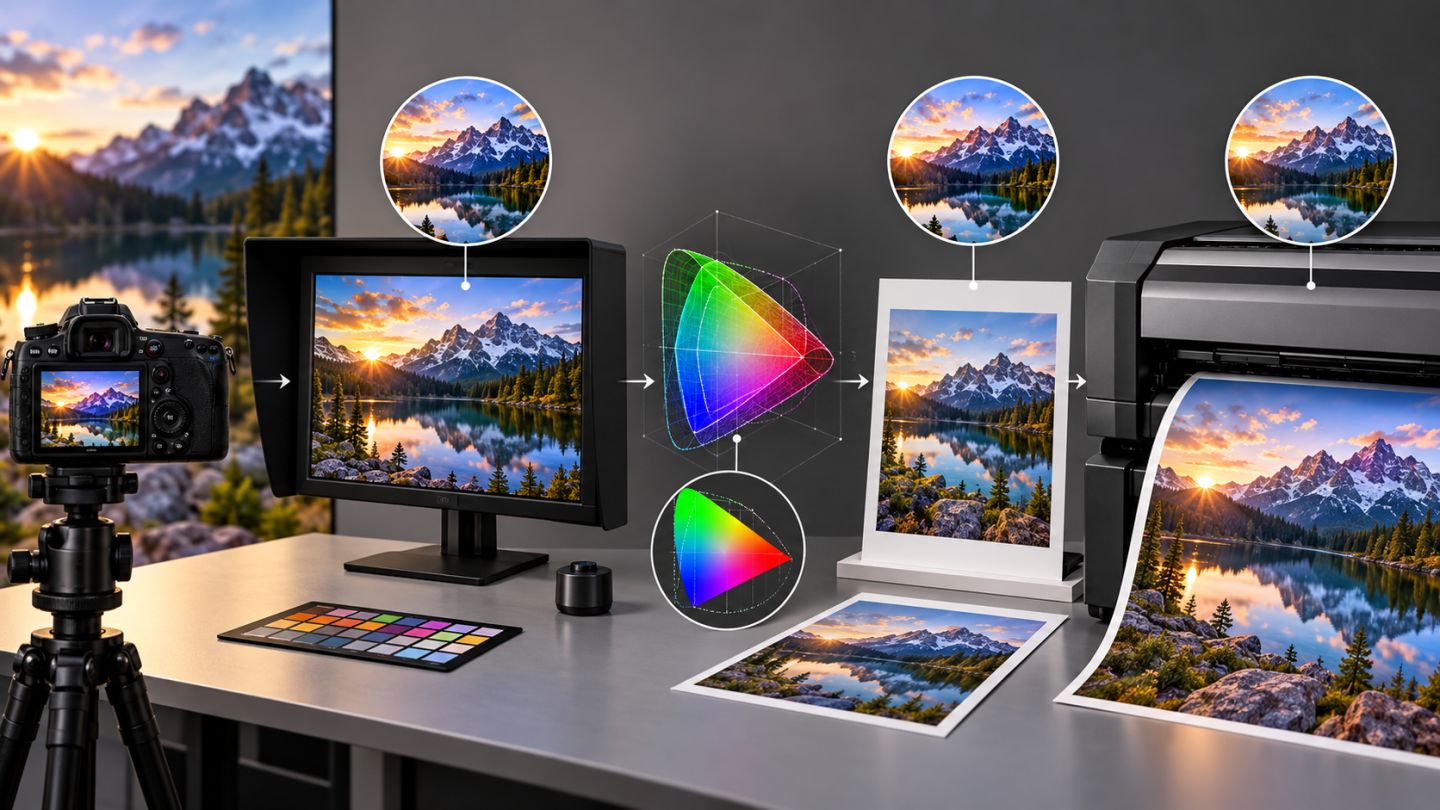
- Preparing images for web, social media, and print.
Photoshop primarily works with pixels. Infinitely scalable logos are usually better suited to vector software, while long multi-page documents belong in a layout application.
Six concepts to learn first
- Pixels form raster images.
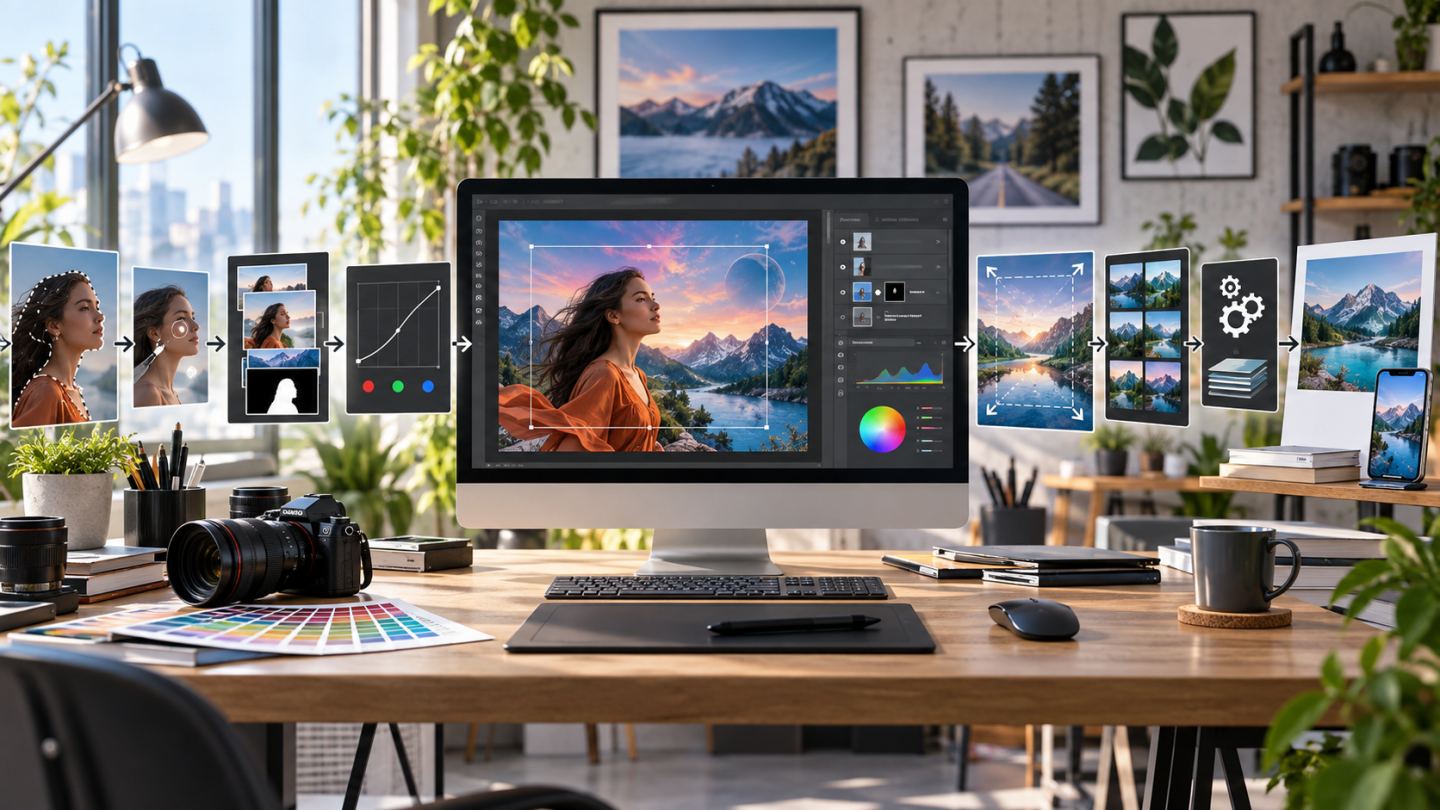
- Selections define where an edit applies.
- Layers separate editable components.
- Masks hide and reveal without deleting source pixels.
- Adjustments change tone and color reversibly.
- Smart Objects preserve source content during transforms and filtering.
Your first goal is not speed. It is a clearly structured document that you can revise.
A four-week roadmap
| Week | Focus | Practice outcome |
|---|---|---|
| 1 | Workspace, documents, layers, saving | A simple layered cover image |
| 2 | Selections, masks, crop, transform | A subject isolated onto a new background |
| 3 | Tone, color, Camera Raw, retouching | A finished portrait or product image |
| 4 | Typography, layout, export | A complete web or social banner |
How to learn each tool
- Understand what part of the document it changes.
- Test it in a small file with a few layers.
- Repeat the process without the tutorial.
- Use it in a practical mini-project.
- Keep both the PSD and exported result for comparison.
Build a nondestructive habit
- Duplicate or convert important source content to a Smart Object.
- Use layer masks instead of erasing pixels.
- Prefer adjustment layers when an editable alternative exists.
- Name layers and group related elements.
- Save milestone versions instead of relying only on History.
Organize learning files
photoshop-course/
  01-source/
  02-working-psd/
  03-export/
  04-reference/
Keep originals, working documents, and deliverables separate. This protects source material and makes progress easier to review.
Common beginner mistakes
- Memorizing shortcuts before understanding tools.
- Merging layers too early.
- Overusing strong filters and effects.
- Designing before defining the output size.
- Saving only JPEG and losing editability.
- Using images without a clear license.
Your first exercise
Create a 1920 x 1080 px document, place a landscape photo as a Smart Object, add one adjustment layer and a short text line. Name the layers, group the text, save a PSD, and export a JPEG.
No comments yet. Be the first to share your thoughts.