

Laravel Reverb brings a WebSocket server into the Laravel ecosystem for notifications, order status, dashboards, and collaborative interfaces without continuous polling. A local demo is quick, but production also needs channel authorization, queue workers, TLS, a reverse proxy, process management, capacity controls, and monitoring.
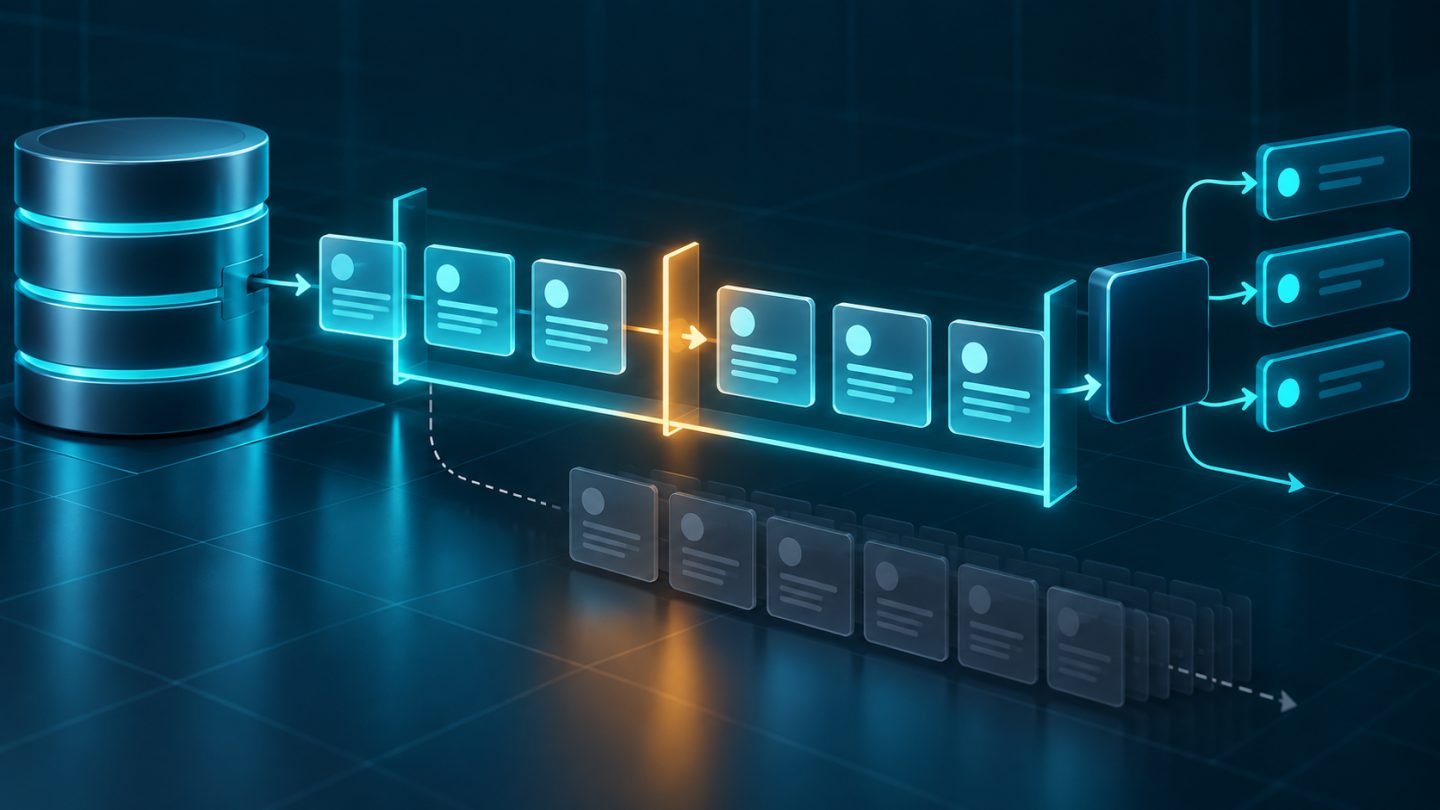
Understand the data path
- Laravel Echo opens a browser WebSocket to Reverb.
- For private or presence channels, Laravel authorizes the subscription.
- The backend dispatches an event implementing
ShouldBroadcast. - A queue worker processes the broadcast job and publishes to Reverb.
- Reverb sends the message to connections subscribed to that channel.
Reverb maintains connections and distributes messages; the application must still decide who may receive the data.
1. Install broadcasting with Reverb
php artisan install:broadcasting --reverb
npm install
npm run build
The command creates broadcasting and Reverb configuration, routes/channels.php, environment credentials, and Echo scaffolding. Never commit REVERB_APP_SECRET. Distinguish REVERB_SERVER_HOST/PORT, where the process listens, from REVERB_HOST/PORT/SCHEME, where the application and browser connect.
BROADCAST_CONNECTION=reverb
REVERB_SERVER_HOST=127.0.0.1
REVERB_SERVER_PORT=8080
REVERB_HOST=ws.example.com
REVERB_PORT=443
REVERB_SCHEME=https
2. Create a broadcast event
<?php

namespace App\Events;

use App\Models\Order;
use Illuminate\Broadcasting\PrivateChannel;
use Illuminate\Contracts\Broadcasting\ShouldBroadcast;
use Illuminate\Queue\SerializesModels;

class OrderStatusUpdated implements ShouldBroadcast
{
    use SerializesModels;

    public function __construct(public Order $order) {}

    public function broadcastOn(): array
    {
        return [new PrivateChannel('orders.'.$this->order->id)];
    }

    public function broadcastWith(): array
    {
        return [
            'id' => $this->order->id,
            'status' => $this->order->status,
            'updated_at' => $this->order->updated_at?->toISOString(),
        ];
    }
}
Send only fields the frontend needs. Do not serialize entire relationship graphs, internal email addresses, or sensitive data. Broadcast events are queued by default, so run a worker or events will wait indefinitely.
3. Authorize private channels
In routes/channels.php:
use App\Models\Order;
use App\Models\User;
use Illuminate\Support\Facades\Broadcast;

Broadcast::channel('orders.{orderId}', function (User $user, int $orderId) {
    return Order::query()
        ->whereKey($orderId)
        ->where('user_id', $user->id)
        ->exists();
});
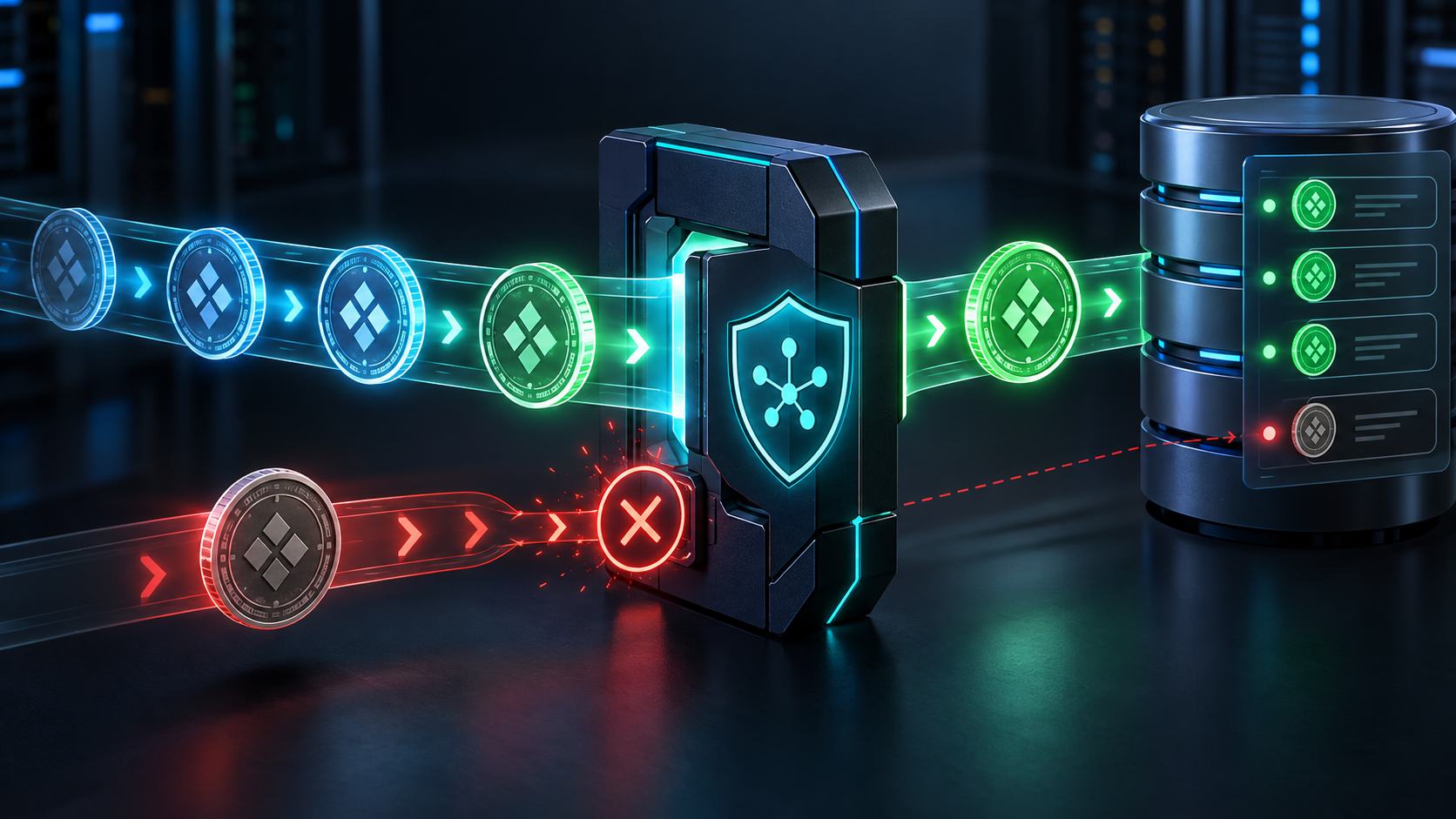
Anyone can subscribe to a public channel, so reserve it for genuinely public data. A private-channel callback must authorize the exact resource, not merely check that a user is signed in. Presence channels expose member information; return only a minimal ID and display name.
php artisan channel:list4. Listen with Laravel Echo
window.Echo.private(`orders.${orderId}`)
    .listen('OrderStatusUpdated', (event) => {
        updateOrderStatus(event.status);
    });
If the event defines broadcastAs(), listen to the custom name with a leading dot, such as .listen('.order.updated', ...). Leave the channel when a component unmounts to prevent duplicate handlers and memory leaks.
5. Dispatch after consistent database state
$order->update(['status' => 'shipped']);

OrderStatusUpdated::dispatch($order->fresh());
When an event is dispatched inside a database transaction, a fast worker may run before commit and read stale state. Use queue after-commit behavior or implement ShouldDispatchAfterCommit when consistency matters. Include an ID, version, or timestamp so clients can ignore late events.
6. Run and inspect locally
php artisan reverb:start --debug
php artisan queue:work
npm run dev
--debug is useful locally but noisy in production. Inspect the browser's Network/WebSocket panel, the /broadcasting/auth response, queue logs, and failed_jobs. When the socket connects but events do not arrive, check the queue worker first.
7. Put Reverb behind Nginx and TLS
In production, bind Reverb locally and terminate TLS at Nginx on port 443:
server {
    listen 443 ssl http2;
    server_name ws.example.com;

    location / {
        proxy_http_version 1.1;
        proxy_set_header Host $http_host;
        proxy_set_header X-Forwarded-For $proxy_add_x_forwarded_for;
        proxy_set_header Upgrade $http_upgrade;
        proxy_set_header Connection "Upgrade";
        proxy_read_timeout 60s;
        proxy_pass http://127.0.0.1:8080;
    }
}
Reverb serves WebSockets at /app and API requests at /apps, so proxy both. Expose only ports 80 and 443; keep 8080 private. Install a valid certificate for the WebSocket hostname and use wss:// when the site uses HTTPS.
8. Restrict origins and channels
Set allowed_origins in config/reverb.php to explicit frontend domains. Avoid * in production unless required. Origin checks do not replace authentication; authorization defects remain exploitable by non-browser clients.
- Use private channels for user or tenant data.
- Verify tenant and resource membership, not only authentication.
- Rate-limit endpoints that create events and client events.
- Never include secrets, tokens, or complete models in payloads.
- Set reasonable message-size and subscription limits.
9. Manage Reverb and queues as processes
Reverb is long-running. Use Supervisor or systemd for automatic recovery. Example Supervisor program:
[program:app-reverb]
command=php /var/www/app/artisan reverb:start
directory=/var/www/app
autostart=true
autorestart=true
user=www-data
redirect_stderr=true
stdout_logfile=/var/log/supervisor/app-reverb.log
stopasgroup=true
killasgroup=true
The queue worker is a separate supervised process. After deployment, run php artisan reverb:restart for graceful connection termination and automatic restart by the process manager. Restart queue workers so they load new code too.
10. Capacity, monitoring, and horizontal scaling
Every WebSocket consumes memory and a file descriptor. Inspect ulimit -n plus Nginx and Supervisor limits. The default stream_select event loop is typically constrained to about 1,024 open files; Laravel recommends an ext-uv loop beyond roughly 1,000 concurrent connections.
Laravel Pulse can track Reverb connections and messages. Run pulse:check on only one node in a scaled deployment. Also alert on memory, CPU, reconnect rate, queue lag, failed jobs, and authorization endpoint errors.
When one node is insufficient, set REVERB_SCALING_ENABLED=true, use central Redis pub/sub, and place several Reverb nodes behind a load balancer. Load-test realistic connection behavior, not only messages per second.
Common production failures
- WebSocket 404 or 502: Nginx does not proxy
/app, Reverb stopped, or ports differ. - Subscription 403: session, cookie, CSRF, guard, or channel callback mismatch.
- No event: queue worker is absent, broadcast job failed, or channel/event names differ.
- HTTPS-only failure: Echo still uses
ws://, the certificate is invalid, or Upgrade headers are missing. - Old behavior after deploy: Reverb and queue workers were not restarted.
- Drops under load: file descriptor, event loop, Nginx, memory, or port limits were reached.
Launch checklist
- Private and presence channels have allow and deny authorization tests.
- Payloads are minimal and contain no secret or cross-tenant data.
- Queue workers, Reverb, and process management are healthy.
- WSS uses a valid certificate and the internal port is private.
allowed_originscontains only valid frontends.- The deployment restarts Reverb and queue workers.
- Concurrent connections, queue lag, memory, and reconnects were measured.
- Dashboards, alerts, and a Redis/load-balancer scaling plan exist.
Conclusion
Laravel Reverb makes realtime behavior fit Laravel's event and broadcasting model, but reliability depends on the entire path: correct authorization, healthy queues, WebSocket-aware proxying, supervised processes, and suitable capacity limits. Start with one focused use case, measure real connections, and scale from evidence.


No comments yet. Be the first to share your thoughts.