
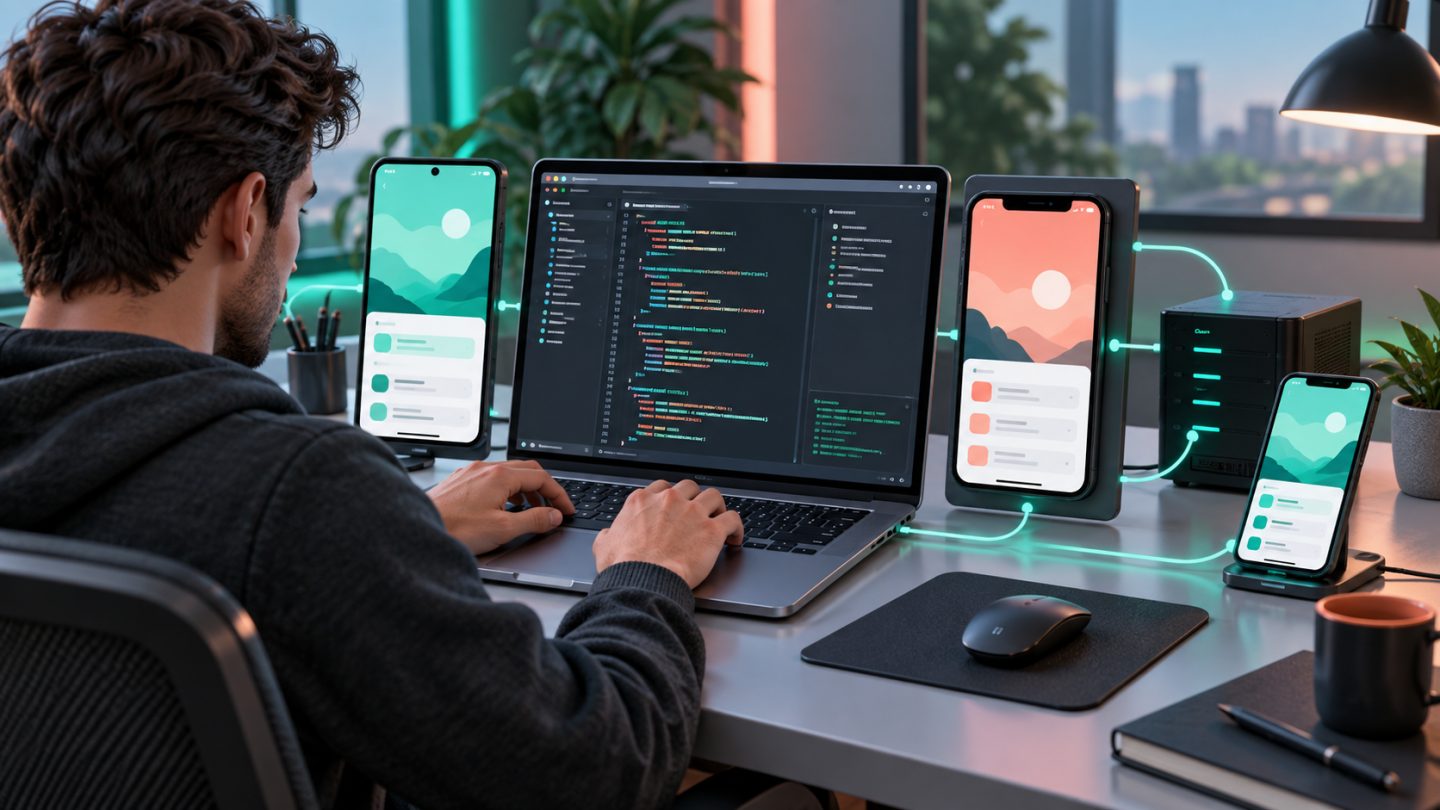
React Native has two common setup paths: start quickly with Expo or install the complete native toolchain for local Android and iOS builds. Choosing early prevents unnecessary downloads and configuration.
Expo or native toolchain?
| Path | Best for | Required tools |
|---|---|---|
| Expo | Learning, MVPs, common app features, rapid cross-platform work | Node.js LTS and a device/Expo Go; native IDEs can come later |
| Native toolchain | Custom native modules, specialist SDKs, full local build control | Node.js, JDK, Android Studio; Xcode and CocoaPods for iOS |
Install Node.js LTS
Use nvm, fnm, or Volta so projects can pin compatible Node versions.
node --version
npm --version
git --version
Do not install a global React Native CLI; use npx to invoke the project-compatible tool.
The Expo path
npx create-expo-app@latest my-mobile-app
cd my-mobile-app
npx expo start
Scan the QR code on a device, or press a/i for an emulator or simulator. Use npx expo start --tunnel when the local network blocks discovery.
Prepare Android
- Install Android Studio and the SDK required by the React Native version.
- Install matching platform, build tools, platform-tools, and emulator packages.
- Create an Android Virtual Device.
- Configure
ANDROID_HOMEand addplatform-toolsto PATH. - Install the JDK required by the project's React Native release.
adb --version
adb devices
java -version
npx react-native doctor
Prepare iOS on macOS
Local iOS builds require macOS and Xcode. Open Xcode once to accept its license and install components, then install CocoaPods when required:
xcode-select -p
sudo gem install cocoapods
cd ios && pod install && cd ..
Projects using Bundler should prefer bundle exec pod install.
Create a project without Expo
npx @react-native-community/cli@latest init MyApp
cd MyApp
npm start
npm run android
npm run ios
Always check the documentation for the exact React Native release because Node, JDK, Gradle, Xcode, and CocoaPods requirements change.
Connect physical devices
- Android: enable Developer options and USB debugging, then verify with
adb devices. - iOS: select a Development Team in Xcode and trust the certificate on the device.
- Ensure the device can reach Metro; firewalls and VPNs may block development ports.
Environment variables and secrets
Expo exposes variables prefixed with EXPO_PUBLIC_ to client code. Anything bundled into a mobile app can be inspected, so never include private backend credentials.
Common problems
- For “SDK location not found,” inspect
ANDROID_HOMEandlocal.properties. - If a device is missing, check the cable, debugging authorization, and restart ADB.
- For CocoaPods failures, use a pinned Gemfile and clear caches selectively.
- For stale Metro state, reset its cache with the CLI's supported option.
Completion checklist
- Dependencies install from the lock file.
- Metro starts and the app opens on an emulator or physical device.
react-native doctorreports no required-tool failures.- Node and JDK versions are documented or pinned.
- No secret is committed or bundled in the client.


No comments yet. Be the first to share your thoughts.