
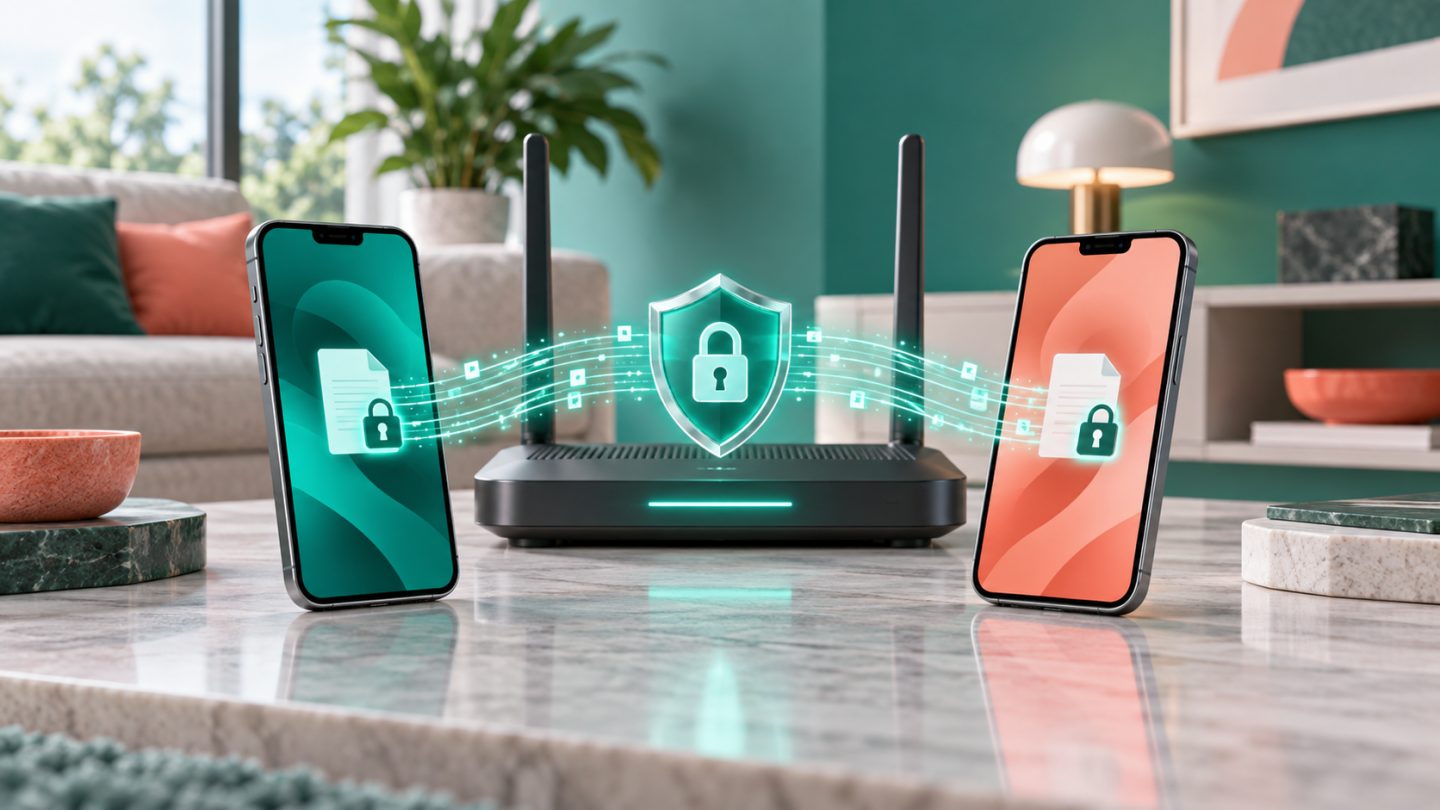
Your router is the gateway to the home network. Weak defaults can affect computers, phones, cameras, and connected devices.
Protect administration
Update firmware, enable automatic updates, change the admin password, and disable internet-facing administration unless required. Keep admin and Wi-Fi passwords separate.
Configure Wi-Fi
Use WPA3 or WPA2-AES, choose a long unique passphrase, and disable unused WPS. Put visitors and IoT devices on a guest network to reduce the impact of a compromised device.
Review regularly
Inspect connected devices, remove unknown entries, and replace unsupported routers. After suspected compromise, update, rotate credentials, inspect DNS, or factory-reset and configure manually.



No comments yet. Be the first to share your thoughts.