
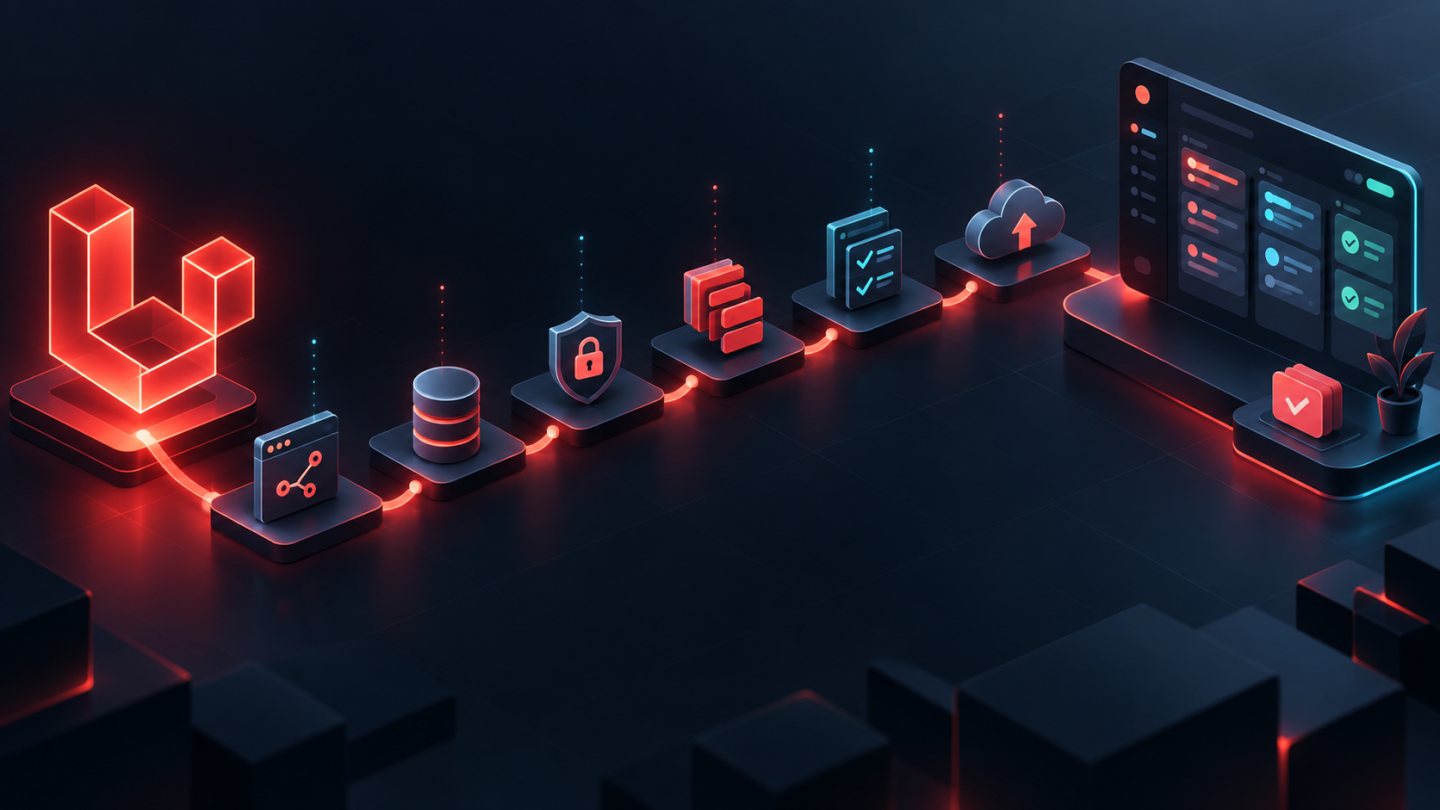
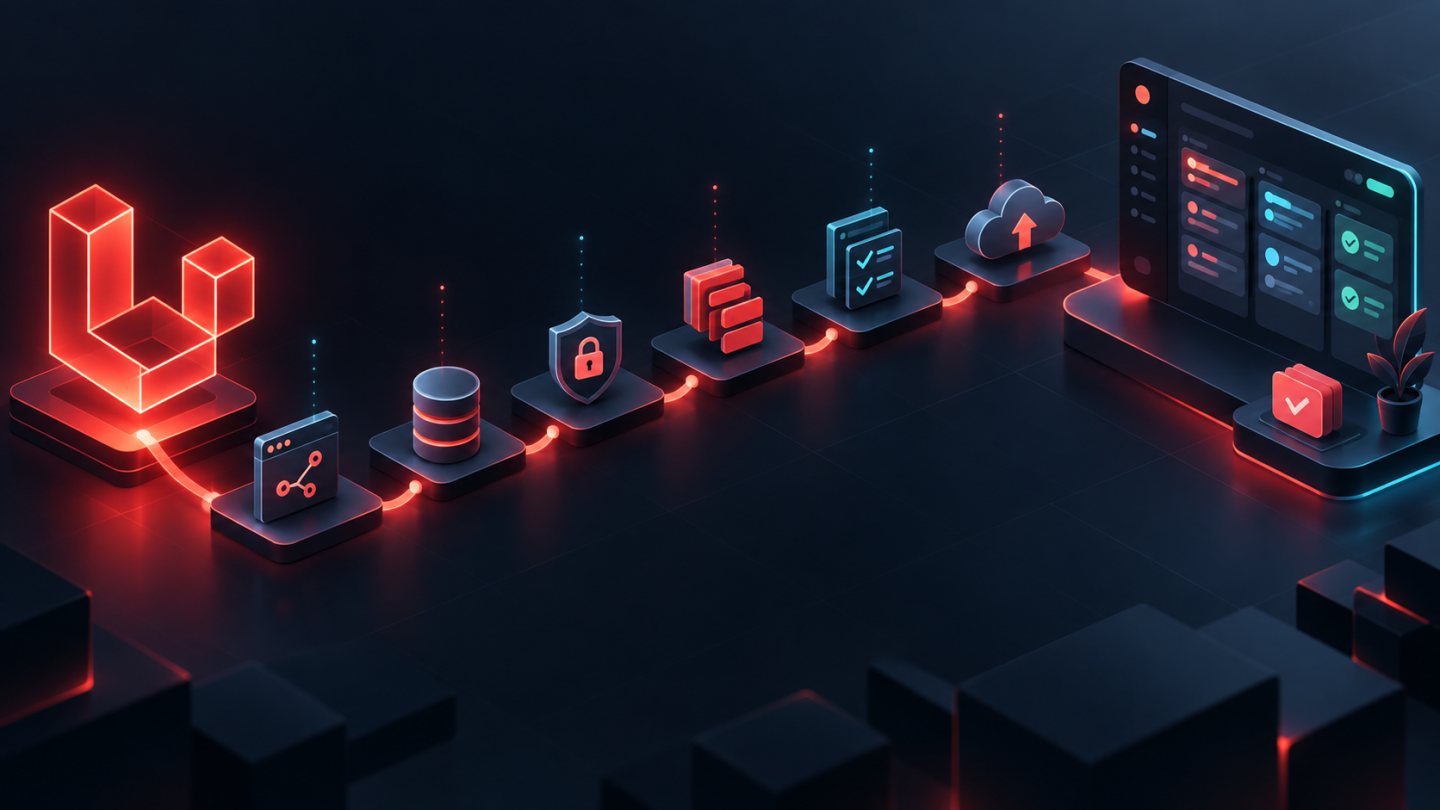
This opening lesson introduces a Laravel 13 course that moves from fundamentals to production while using TaskFlow as one continuous project. Instead of memorizing isolated APIs and later wondering how they fit together, you will follow a deliberate delivery lifecycle: understand a request, model data, build a UI or API, protect business rules, move slow work to queues, write tests, deploy, and observe the running application.
This lesson does not ask you to build the finished application immediately. Its purpose is to establish the starting point, define TaskFlow's scope, explain how to use the series, and make learning evidence and completion criteria explicit. The baseline for the entire course is Laravel 13 on PHP 8.3 or later. Commands and capabilities in later lessons will be checked against the Laravel 13 documentation; instructions written for an older major release should not be copied without verification.
1. Who is this course for?
The roadmap is best suited to developers who understand basic PHP but have not yet taken a Laravel application from an idea to a production deployment. Developers arriving from another framework can use it to learn Laravel's conventions, tools, and application boundaries. People who can already build Laravel CRUD screens can use the later stages to systematize authorization, transactions, queues, testing, continuous integration, deployment, and operations.
- Laravel beginners: you want a sequential path and a project substantial enough to explain why the framework provides routing, middleware, validation, Eloquent, queues, and a service container.
- PHP developers: you want to move from scripts or custom application structures to a framework with conventions, automated tests, and a repeatable release process.
- Backend developers: you plan to use Laravel as the API backend for an SPA, mobile app, or another client and need clear contracts, authentication, and error behavior.
- Full-stack developers: you want to build a server-rendered product with Blade, components, and Vite before deciding whether Livewire, Inertia, or a separate frontend is justified.
- Small engineering teams: you need shared practices for Git, review, migrations, testing, and releases.
The course does not promise that reading every lesson will make someone a senior developer, guarantee a job, or prepare one application for every possible scale. Outcomes depend on prior knowledge, practice time, feedback quality, and the number of failures you investigate yourself. A realistic outcome is a TaskFlow repository with an auditable development history and a learner who can explain the decisions it contains.
2. Prerequisites and tools
You do not need to know every PHP feature, but you should be able to read classes, methods, arrays, exceptions, and type declarations. Review object-oriented programming, namespaces, interfaces, basic dependency management, HTTP requests and responses, HTML forms, JSON, SQL, and routine Git operations. Understanding cookies, sessions, status codes, and data relationships will help you separate web fundamentals from framework behavior.
The minimum environment needs PHP 8.3+ with the PHP extensions listed by the official Laravel 13 deployment documentation, Composer, Git, a Laravel-supported database, and Node.js/npm when following the full-stack path with Vite. You also need a terminal, editor or IDE, browser, and the ability to read logs. Docker, Laravel Sail, or Laravel Herd may help, but the course does not treat one tool as the only valid setup; the important property is an environment the team can reproduce.
| Foundation | Expected level | Self-check |
|---|---|---|
| PHP and OOP | Read classes, interfaces, exceptions, types, and Composer autoloading | Write a small CLI class and explain a type error |
| Web and HTTP | Distinguish GET/POST, headers, cookies, sessions, JSON, and status codes | Inspect one form request and one JSON request in browser tools |
| Database | Know tables, primary keys, foreign keys, indexes, and basic transactions | Sketch user-project-task relationships and identify constraints |
| Git | Use clone, branch, add, commit, diff, pull, and resolve a small conflict | Create a practice branch and inspect its diff before committing |
| Command line | Navigate directories, run programs, read exit codes, and understand environment variables | Check tool versions without putting secrets in shell history |
If one prerequisite is weak, treat it as a preparation item rather than a reason to quit. Record the gap in your learning journal and schedule a short session to strengthen it before moving into the dependent lessons.
3. The Laravel 13 and PHP 8.3+ baseline
The official release notes state that Laravel 13 requires PHP 8.3 at minimum. The course repository should express the intended major version in its dependency constraints. Do not switch major versions or paste an upgrade command before reading the relevant release notes and upgrade guidance. Minor and patch versions continue to change during the 13.x lifecycle, so a committed dependency lock file and passing tests matter more than two machines accidentally sharing whatever was newest on one day.
A Laravel 13 baseline does not mean every lesson must showcase a new Laravel 13 feature. The series prioritizes durable foundations: the request lifecycle, routing, middleware, configuration, the service container, validation, Eloquent, authorization, queues, caching, testing, and deployment. Version-specific features will be introduced in context and will not be attributed to Laravel 13 unless official documentation supports the claim.
- Use the
13.xdocumentation branch and verify the URL if the site redirects to another version. - Commit
composer.jsonand the dependency lock file so installations are repeatable. - Never commit
.env, tokens, passwords, application keys, or production data. - Run tests after dependency updates and read the changelog instead of assuming an update cannot affect the application.
- Document PHP, Composer, Node, and database versions in the project's onboarding notes.
4. What is the TaskFlow project?
TaskFlow is a work-management application organized around workspaces and projects. Users join a workspace, create projects, organize tasks, assign owners, set status and due dates, discuss work through comments, and review important activity. This scope is broad enough to teach relationships, validation, authorization, querying, queues, and tests, while still allowing delivery in small vertical slices.
We are not trying to reproduce a commercial project-management platform. Billing, large-scale chat, advanced Gantt planning, and a plugin ecosystem are outside the initial learning product. A capability is added only when it serves a learning objective and has acceptance criteria. That constraint prevents scope from expanding before the foundation is reliable.
Roles and core workflows
- Member: view permitted projects, create or update tasks according to policy, comment, and complete assigned work.
- Workspace administrator: manage members, projects, and workspace-scoped permissions.
- Task flow: create a task, assign an owner, change status, set a deadline, add labels, comment, and preserve a meaningful activity trail.
- Notifications: selected events may produce a notification or background job; side effects must remain testable and must not obscure the main request.
Write down assumptions before creating tables. For example, a task belongs to exactly one project; a project belongs to one workspace; membership determines whether a user may see workspace data; and task status comes from a finite set. These assumptions are not the final schema, but they expose questions that must be resolved before migrations are written.
5. Functional architecture for the learning product
Functional architecture describes behavioral boundaries before it prescribes folders or patterns. TaskFlow is divided into the following capabilities. Each capability will eventually cross a web route or API contract, validation, a use case, persistence, authorization, a response, and tests.
| Capability | Primary data | Evidence required |
|---|---|---|
| Identity and access | User, session, or token | Valid login, rejected unauthorized requests, and no exposed secrets |
| Workspace membership | Workspace, Membership, role | No read or write access across workspace boundaries |
| Project planning | Project, member assignment | Explicit create/update policy and validated input |
| Task execution | Task, status, priority, due date, assignee | Valid transitions, indexed queries, and no known N+1 behavior |
| Collaboration | Comment, label, activity | Correct policy, validated content, and a useful history |
| Asynchronous communication | Notification, queued job | Safe retries, observable failure, and tests without live vendors |
| Operations | Logs, health, metrics, backup | Diagnostic signals and a rehearsed recovery procedure |
In code, controllers should handle protocol concerns and lightweight orchestration; validation belongs at a Form Request or equivalent boundary; policies guard actions; models represent data and relationships; and multi-step business behavior may move into a clearly named action or service. This is guidance for reducing coupling, not a command to create another abstraction for every simple CRUD statement.
6. Full-stack Laravel versus Laravel as an API backend
Full-stack Laravel in this series means the same application owns web routing, sessions, CSRF protection, UI rendering, and data processing. The foundational path uses Blade, components, and Vite so learners can see the complete request-response cycle without operating two codebases. Livewire or Inertia may be considered after those boundaries are understood, but neither removes the need to understand HTTP, validation, or authorization.
Laravel as an API backend means Laravel exposes stateless endpoints or endpoints for an SPA/mobile client, generally returning JSON under an explicit contract. The frontend is deployed as a separate client or at least evolves behind a distinct boundary, so authentication, CORS, SPA CSRF behavior, versioning, error formats, and contract changes require deliberate decisions. Laravel's official installation documentation distinguishes these two directions. Optional API routes should be installed using the documented 13.x mechanism rather than assumed to exist in every fresh skeleton.
| Decision | Full-stack Laravel | API backend |
|---|---|---|
| User interface | Rendered by the Laravel application | A separate web/mobile client consumes JSON |
| Web state | Sessions, cookies, and CSRF are the default flow | Tokens or SPA cookies depend on the chosen authentication model |
| Initial complexity | Fewer deployment boundaries; good for end-to-end learning | Requires explicit contracts and integration across components |
| Testing | Feature tests cover responses, views, and form behavior | Feature/contract tests cover status, JSON shape, and authorization |
| Good fit | A web-focused product and a team seeking one cohesive stack | Multiple clients or a frontend with an independent lifecycle |
TaskFlow will use the same domain to explain both perspectives, but learners should choose one primary implementation path for exercises. Do not build two user interfaces merely to accumulate technologies. One finished vertical slice with strong tests teaches more than two incomplete implementations.
7. Six learning stages and their evidence
The series manifest divides the journey into six parts. The article count may be long, but progress is measured by evidence in the repository, not by pages marked as read.
- Part A — Application foundations: prepare the environment; understand project structure and the request lifecycle; work with configuration, logging, routes, controllers, middleware, Blade/Vite, Form Requests, and CSRF. Evidence is a small working web slice with tests.
- Part B — Data and queries: migrations, factories, seeders, Eloquent CRUD, relationships, eager loading, filtering, pagination, transactions, and concurrency. Evidence is a rollback-aware schema, sample data, and tests for critical invariants.
- Part C — Organizing business behavior: the service container, dependency injection, actions/services/DTOs when justified, events, listeners, observers, exceptions, caching, rate limits, and atomic locks. Evidence is explicit dependencies, intentional errors, and protection for important races.
- Part D — Identity and security: authentication, starter kits, gates, policies, sessions, cookies, CSRF, and a production security checklist. Evidence is a permission matrix and negative tests that prevent cross-workspace access.
- Part E — APIs and background work: resources, validation, Sanctum, queues, scheduling, mail, notifications, uploads, and realtime behavior when appropriate. Evidence is an API contract, idempotent jobs, and observable failure paths.
- Part F — Quality and operations: automated tests, CI, performance, deployment, workers, scheduling, monitoring, backups, dependency upgrades, and a Laravel 13 review. Evidence is a pipeline plus deployment and recovery runbooks.
At the end of each stage, produce a short demo and retrospective: what became clear, which decision changed, which failure occurred, and which technical debt was consciously accepted. A screenshot proves only that a screen appeared once. Tests, commits, logs, and decision notes make the result reproducible by another person.
8. How to use the series instead of merely reading it
Process each lesson with a read — predict — build — verify — explain loop. Before executing a command, predict which files should change and where the request should travel. After the code runs, inspect the diff and explain it in your own words. Blind copying hides the moment when a lesson's assumptions differ from your actual environment.
- Read the objective, terms, and official references before changing code.
- Create a small branch and write acceptance criteria plus expected test cases.
- Implement in vertical slices; avoid combining migrations, UI, API, and a broad refactor in one opaque step.
- Run relevant tests and the agreed formatter or static analysis; inspect logs when something fails.
- Use
git diffto review secrets, generated files, debugging code, and out-of-scope changes. - Write a short note explaining the decision, trade-off, and unresolved questions.
- Move on only when the definition of done is met or the missing work is recorded as an intentional backlog item.
When an error appears, do not immediately delete the project and start again. Save the message, reduce the reproduction, read the stack trace from the originating exception, inspect configuration, and add a regression test when appropriate. Troubleshooting ability is built during these sessions.
9. Course completion criteria
“It works on my machine” is insufficient. A course-level TaskFlow should satisfy the verifiable criteria below. They do not certify readiness for every production scale, but they establish an honest baseline for further engineering.
- A new contributor can set up the repository from its README without receiving secrets; dependencies are locked and version baselines are documented.
- Core workspace, project, task, and collaboration flows satisfy written acceptance criteria.
- Validation, authentication, and authorization are placed at appropriate boundaries, with tests for successful and denied behavior.
- Migrations run against a clean database; seeds and factories support development and testing; important rollback behavior has been considered.
- Primary queries avoid known N+1 issues, apply sensible pagination or limits, and use transactions where multi-step invariants require them.
- Background jobs have clear retry and failure policies; important side effects are idempotent or have a reconciliation path.
- The test suite is stable on a clean machine and in CI; failures are not hidden by deleting assertions or casually skipping tests.
- Production configuration disables debug output, the web server targets the public directory, workers and the scheduler are supervised, and a consumer checks the health endpoint.
- Deployment, rollback, backup, and restore have runbooks; at least one restore is rehearsed in a safe environment.
- The learner can defend the full-stack or API-backend choice, describe the request lifecycle, and state the system's remaining limitations.
10. Source and Git management
Keep one primary TaskFlow repository as the source of truth. Commit source code, migrations, tests, documentation, and required lock files. Ignore locally installed dependencies, caches, logs, unnecessary build artifacts, and environment files containing secrets. Provide an .env.example with variable names and safe placeholders only. If a secret was committed, removing it in a later commit is not enough: revoke or rotate it and follow the team's history-remediation procedure.
Each branch should address a small objective, such as feature/task-status or test/workspace-isolation. Commit messages should describe the change and its purpose rather than say “update.” Rebase or squash according to team convention, but keep tests green and never force-push to a protected branch. Optional milestone tags can make comparisons between course stages easier.
- Inspect
git statusbefore and after every work session. - Read every hunk in
git diff; do not reflexively rungit add .in a workspace containing unrelated files. - Do not commit real database dumps, user uploads, sensitive logs, or credentials.
- Separate mechanical refactoring from behavioral changes when practical so review and rollback remain clear.
- Connect a commit or pull request to acceptance criteria and test evidence.
11. Environment preparation exercise
The opening exercise is to produce a safe, shareable environment report. You do not need to create the Laravel application yet if you prefer to follow the detailed installation sequence in lesson 2. Never paste all environment variables or token-bearing configuration into the report.
- Create a workspace and an empty Git repository dedicated to TaskFlow. Add a README describing your learning objective.
- Run
php -v,composer --version,git --version,node --version, andnpm --version. Record the versions, operating system, and installation method. - Run
php -mand compare the result with Server Requirements in the Laravel 13 deployment documentation. Record only missing extensions, not sensitive configuration. - Choose SQLite, MySQL, or PostgreSQL for development and verify that you can connect using a development account with appropriately limited privileges.
- Choose a primary path: full-stack Laravel or API backend. Write three reasons connected to client type, desired skills, and deployment model.
- Sketch User, Workspace, Membership, Project, and Task. Mark assumptions to validate during the data-modeling stage.
- Write five acceptance criteria for the first vertical slice, including at least one insufficient-permission case.
- Commit the README and preparation report with a meaningful message after reviewing the diff.
If a tool does not meet the baseline, mark it as blocked, preserve the error message, and state the next diagnostic step. Avoid changing several versions at random. A useful report lets the installation lesson begin from evidence rather than guesswork.
12. Checklist before continuing
- [ ] I understand the audience, scope, and outcomes the series does not promise.
- [ ] My machine has PHP 8.3+, or I documented a safe upgrade plan.
- [ ] I checked Composer, Git, Node/npm, and the required PHP extensions.
- [ ] I selected a development database without using production credentials.
- [ ] I can distinguish full-stack Laravel from Laravel as an API backend.
- [ ] I selected one primary implementation path for TaskFlow.
- [ ] I have a dedicated repository, README, secret rules, and an initial commit.
- [ ] I sketched the domain and acceptance criteria, including a negative case.
- [ ] I know what evidence each course stage should produce instead of merely marking lessons as read.
- [ ] I saved the official Laravel 13 documentation links for later verification.
Next lesson
Lesson 2: Install Laravel 13 and Set Up the Development Environment. No link is included because lesson 2 has not been published yet.
No comments yet. Be the first to share your thoughts.