
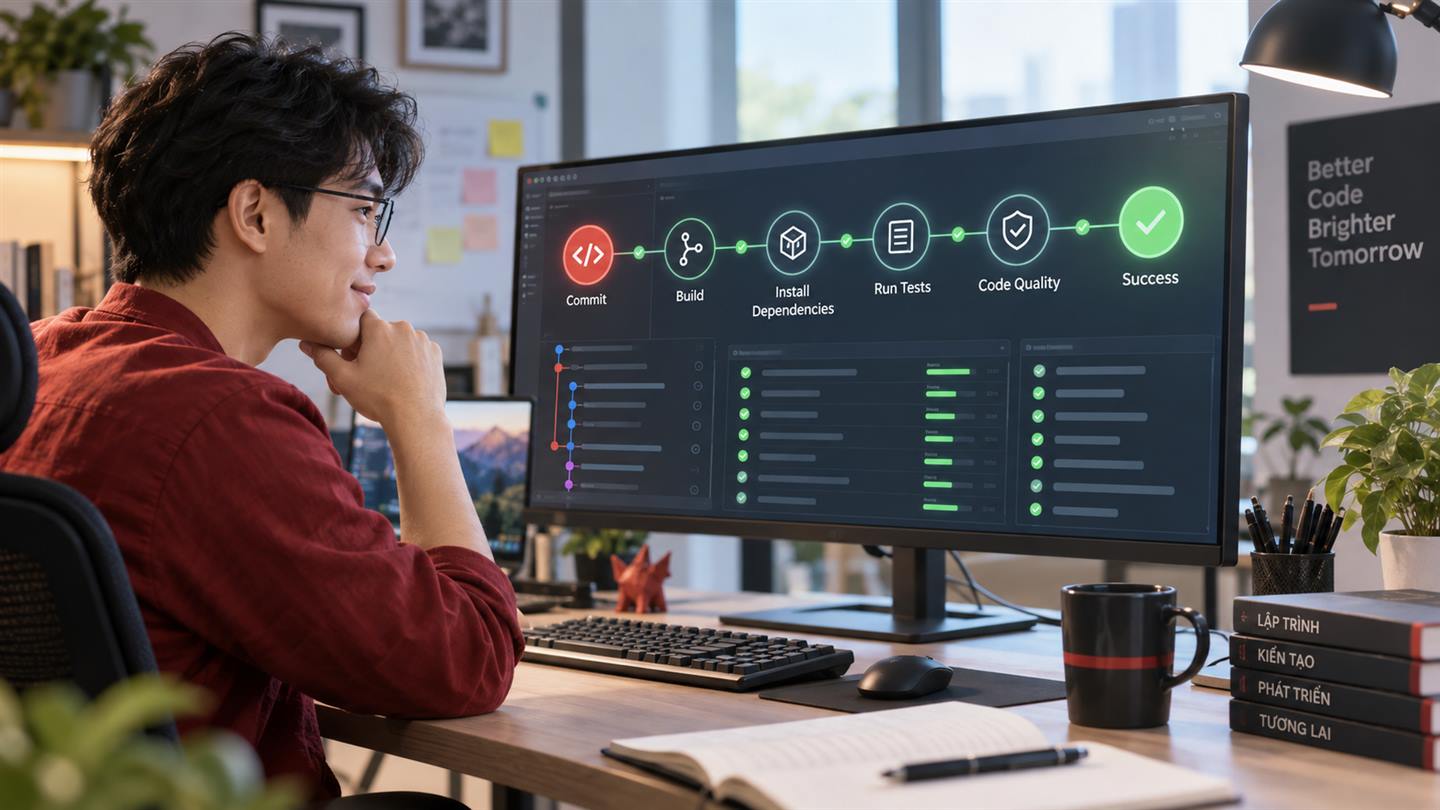
Continuous integration helps a team detect problems before code reaches production. In this guide, GitHub Actions will create a clean PHP environment, install dependencies, prepare Laravel, and run the test suite for every push and pull request.
What will the workflow do?
- Check out the repository.
- Install the required PHP version and extensions.
- Cache and install Composer dependencies.
- Create the Laravel environment file and application key.
- Prepare the test database.
- Run the automated test suite.
Prerequisites
The project should be stored on GitHub, have a valid composer.json, and include repeatable tests. Run the tests locally first so CI failures represent environment differences rather than unknown application errors.
Step 1: Create the workflow
Create .github/workflows/laravel.yml:
name: Laravel CI

on:
  push:
  pull_request:

jobs:
  tests:
    runs-on: ubuntu-latest
    steps:
      - uses: actions/checkout@v4
      - uses: shivammathur/setup-php@v2
        with:
          php-version: '8.3'
          extensions: mbstring, pdo_sqlite
          coverage: none
      - uses: actions/cache@v4
        with:
          path: vendor
          key: composer-${{ runner.os }}-${{ hashFiles('composer.lock') }}
      - run: composer install --no-interaction --prefer-dist --no-progress
      - run: cp .env.example .env
      - run: php artisan key:generate
      - run: php artisan test
Step 2: Configure the test database
SQLite is convenient for many test suites. Set the test environment in phpunit.xml or create the database file before running migrations. If production relies on MySQL-specific behavior, add a MySQL service container instead of assuming SQLite provides equivalent coverage.
- run: touch database/database.sqlite
- run: php artisan migrate --force
- run: php artisan test
Step 3: Review a workflow run
Open the Actions tab, select the workflow, and inspect the first failed step. Keep steps focused so logs reveal whether a failure came from dependency installation, configuration, migration, linting, or tests.
Common failures
- A required PHP extension is missing.
.env.exampledoes not contain safe test defaults.- The application writes to directories without appropriate permissions.
- Tests depend on local services or undeclared secrets.
- The Composer lock file requires a different PHP version.
Protect the main branch
After the workflow is stable, configure branch protection and require the CI check before merging. This turns automated testing into an enforceable quality gate.
Next improvements
Add static analysis, code style checks, frontend builds, coverage reports, a PHP version matrix, or deployment jobs only when the basic pipeline is fast and dependable. Keep production secrets in GitHub Environments and require approval for sensitive deployments.
Completion checklist
- The workflow runs on pushes and pull requests.
- Dependency versions are reproducible.
- The database is initialized automatically.
- Failures are visible and actionable.
- The main branch requires a successful check.




No comments yet. Be the first to share your thoughts.