
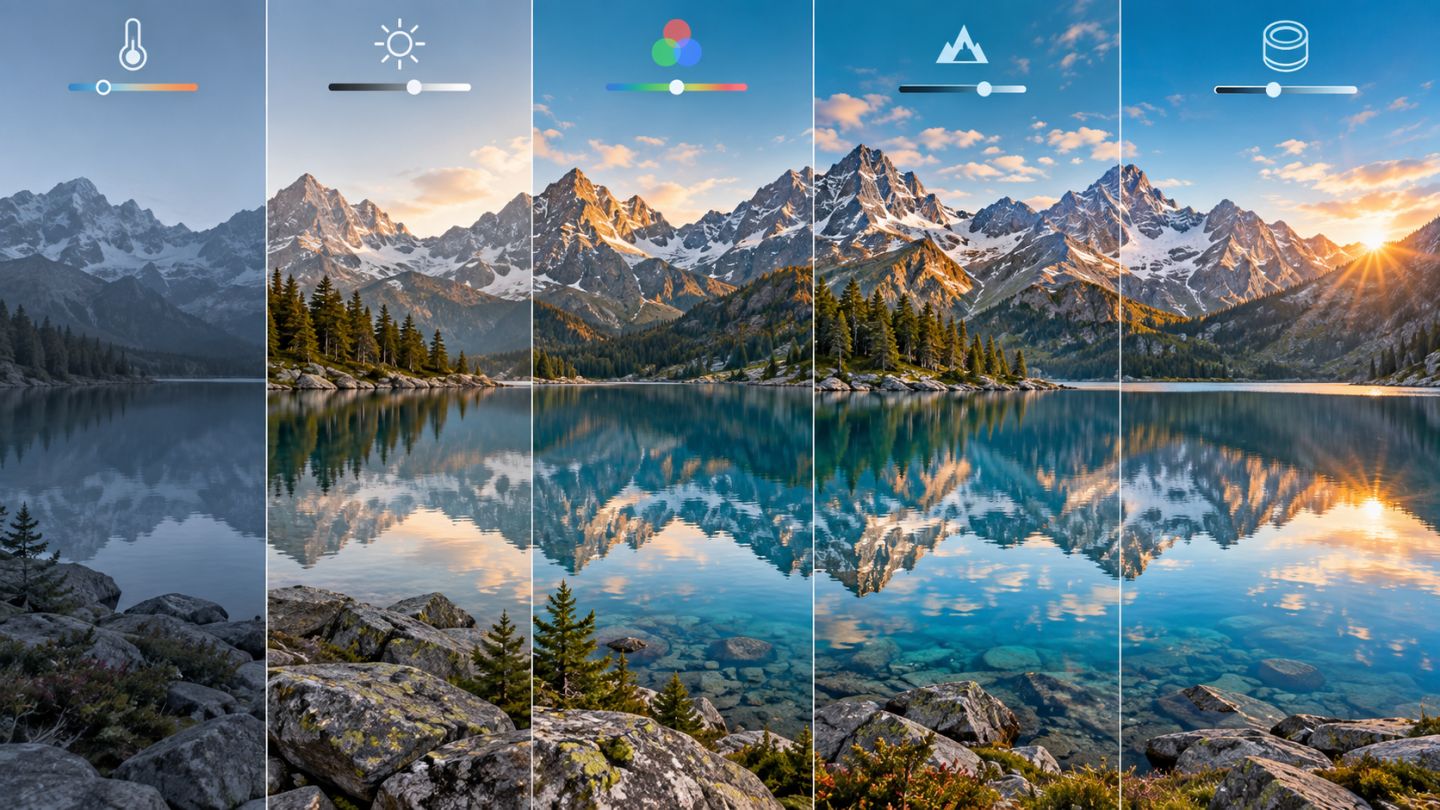
Camera Raw handles foundational tone, color, and detail before deeper Photoshop retouching. With raw files, edits are stored as parameters while original sensor data remains preserved.
Recommended editing order
- Choose a Profile for the intended rendering.
- Correct White Balance with Temperature and Tint.
- Set overall Exposure.
- Recover Highlights, open Shadows, and set Whites and Blacks.
- Apply restrained Texture, Clarity, and Dehaze.
- Refine color with Vibrance, Color Mixer, or Color Grading.
- Correct optics, chromatic aberration, noise, and sharpness.
- Use Masking for local changes.
Watch histogram and clipping
Enable clipping indicators to find lost detail. Exposure controls overall brightness, Highlights and Shadows are more selective, and Whites and Blacks define endpoints. A low-key or high-key scene does not need a histogram spanning the full range.
Texture, Clarity, and Dehaze
| Control | Main effect |
|---|---|
| Texture | Medium-scale detail, often gentler on skin |
| Clarity | Local midtone contrast |
| Dehaze | Reduces or adds atmospheric haze |
Large values can create halos, harsh surfaces, or oversaturation. Inspect detail and noise at 100%.
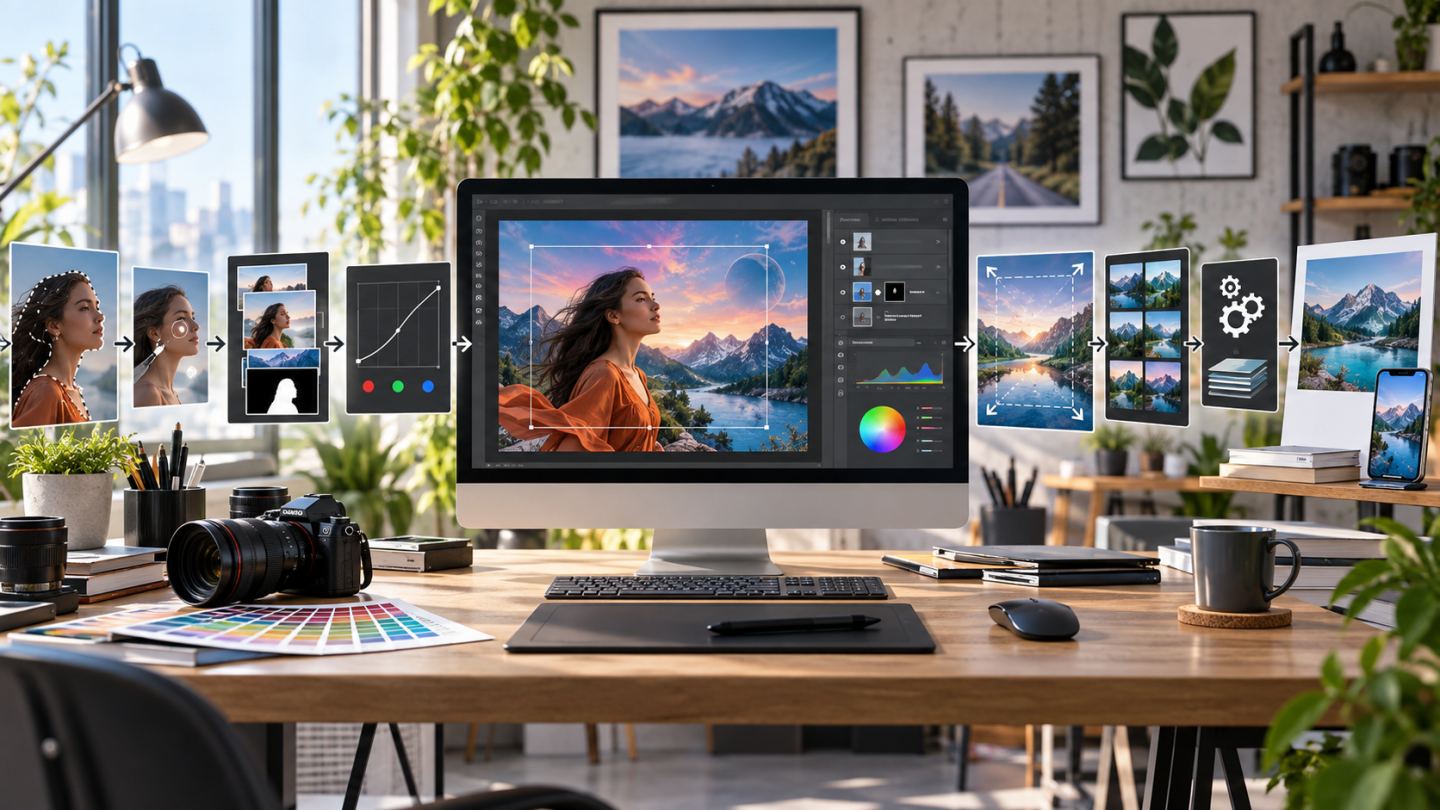
Smart Objects and Camera Raw Filter
Open raw files as Smart Objects to return to Camera Raw. For JPEG or TIFF layers, convert to a Smart Object before Camera Raw Filter so settings remain editable, although the file does not become raw data.
Local Masking
Use Subject, Sky, Brush, Linear, or Radial masks to brighten a face, reduce a sky, or balance mixed light without pushing the whole photograph.
Common mistakes
- Treating Auto or a preset as the unchecked final result.
- Opening shadows until the image becomes flat and noisy.
- Sharpening noise and bokeh globally.
- Using excessive Clarity or Dehaze.
- Leaving inconsistent white balance across a series.
Practice exercise
Edit one landscape in this order. Save a natural snapshot and a stronger version, then compare clipping, noise, and sky color before choosing the final treatment.

No comments yet. Be the first to share your thoughts.