
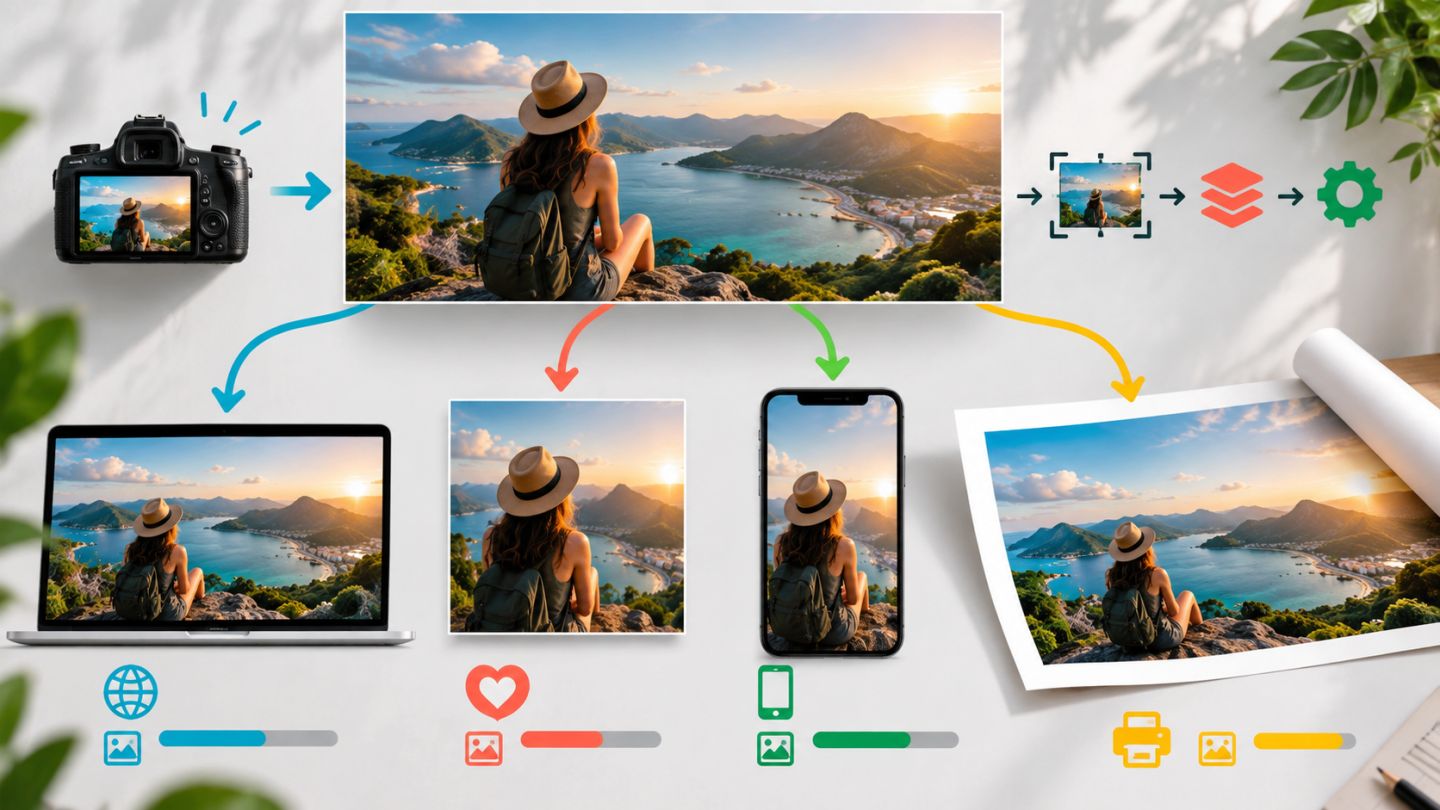
One master should not be sent unchanged to every channel. Websites need efficient pixels, social platforms need ratio and safe areas, and print needs physical size, PPI, bleed, and output profile.
Compare destinations
| Destination | Priority | Color |
|---|---|---|
| Website | Correct pixels, low weight, responsive delivery | sRGB |
| Social media | Ratio, crop, mobile readability | sRGB |
| Physical size, PPI, bleed, profile | Printer specification |
Image formats
- JPEG: photography, broad support, no alpha.
- PNG: transparency and crisp graphics, often heavy for photos.
- WebP/AVIF: efficient web delivery when supported.
- TIFF/PSD/PDF: print or specific handoff workflows.
Website workflow
- Crop and resize to the largest real display size.
- Convert to sRGB and embed where required.
- Apply gentle sharpening after resizing.
- Export JPEG or WebP at balanced quality.
- Inspect weight, artifacts, and loading.
- Generate responsive variants when supported.
Social workflow
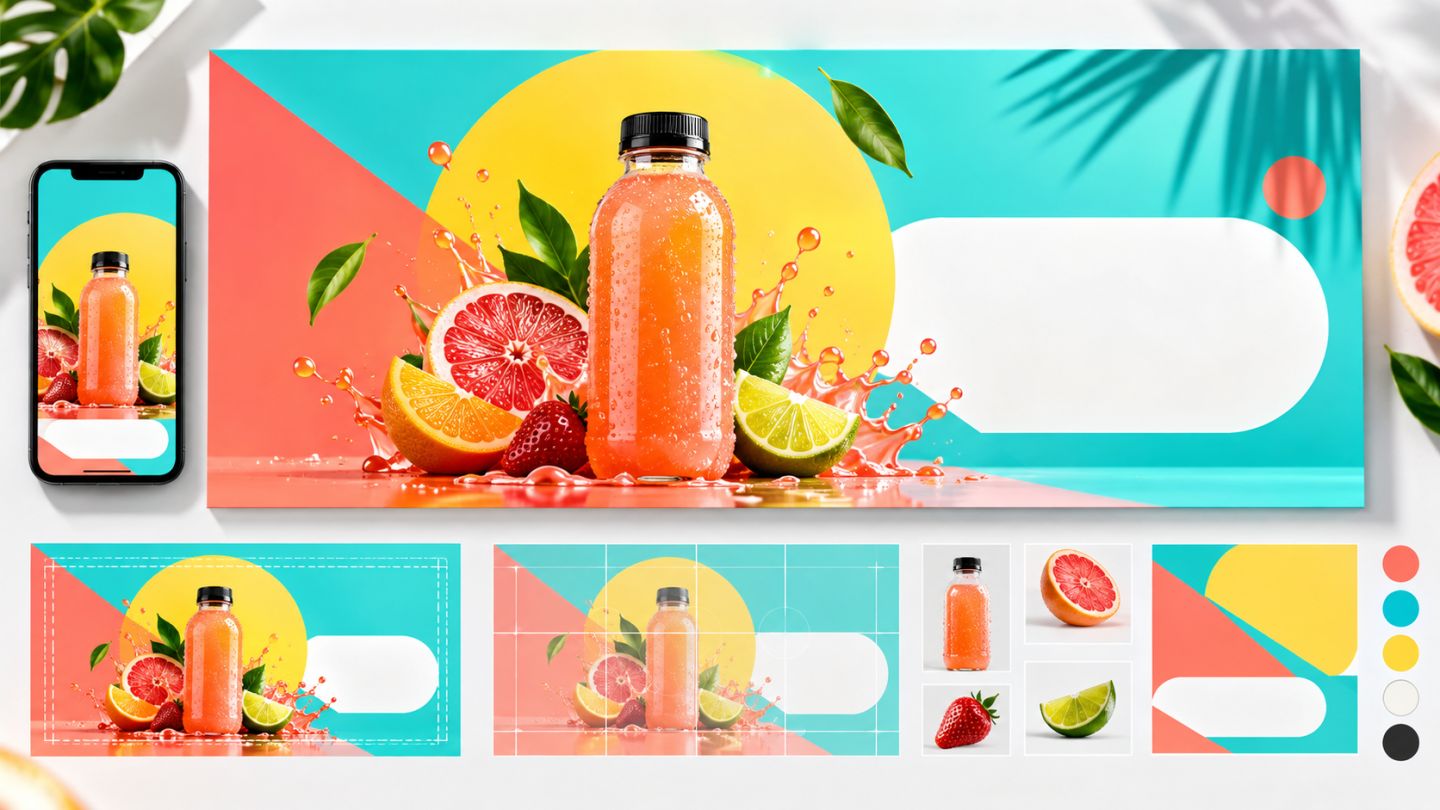
Confirm current requirements for each platform and placement. Build separate landscape, square, and portrait artboards, then adapt crop and type rather than forcing one layout.
Print workflow
Ask the printer for finished size, bleed, profile, format, and ink limits. Soft-proof on a suitable display, preserve the RGB master when allowed, and convert only the output copy.
Final checklist
- Correct dimensions, ratio, and profile.
- No repeated resizing of compressed files.
- No banding or excessive sharpening.
- Appropriate metadata and filename.
- Reopen the export in its destination viewer or browser.
Optimization is not the smallest possible file; it is the least data that still achieves the required quality.
Practice exercise
From one master, export a 1440 x 810 web cover, square post, portrait story, and A4 print file. Record pixels, profile, format, and weight for each.

No comments yet. Be the first to share your thoughts.