
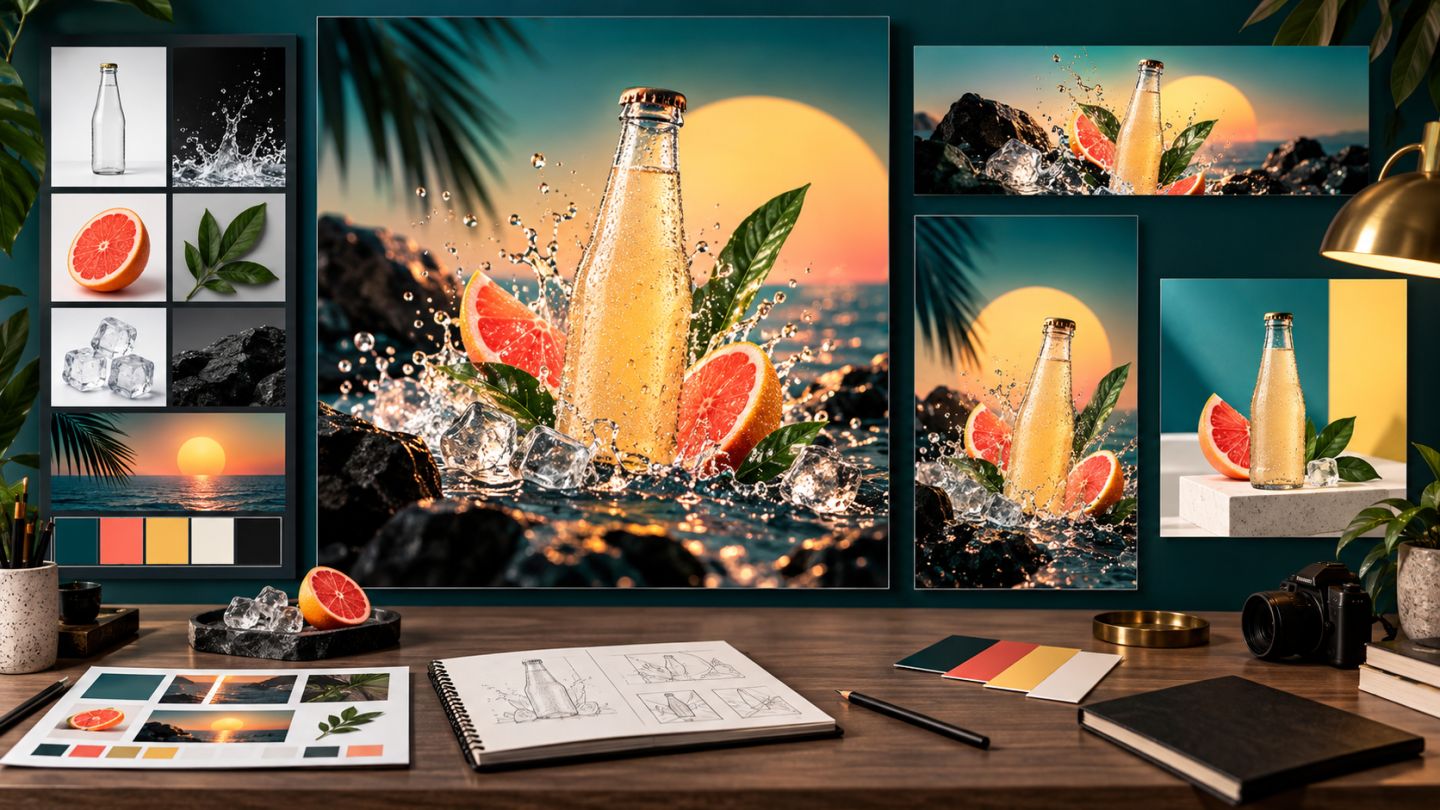
This capstone combines the course into a deliverable system. Create a key visual for a fictional product, then adapt it into a web cover, social posts, poster, and listing image.
The brief
Choose a product without a real brand. Build a launch campaign for a defined audience. Outputs must share imagery, color, typography, and message while respecting each channel.
Deliverables
| Item | Requirement |
|---|---|
| Master PSD | Clear layers, Smart Objects, masks, and editable adjustments |
| Key visual | Complete hero image with consistent light and color |
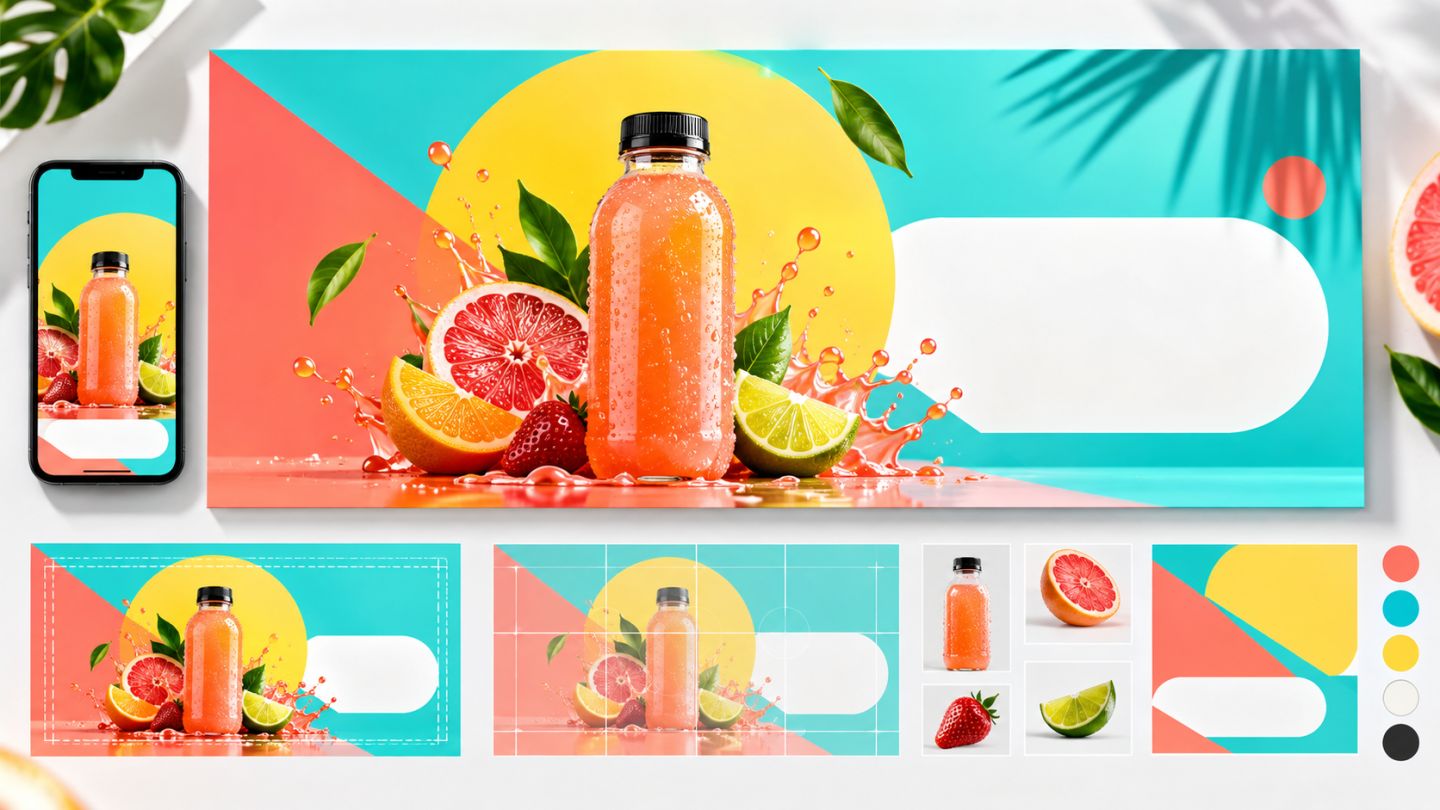
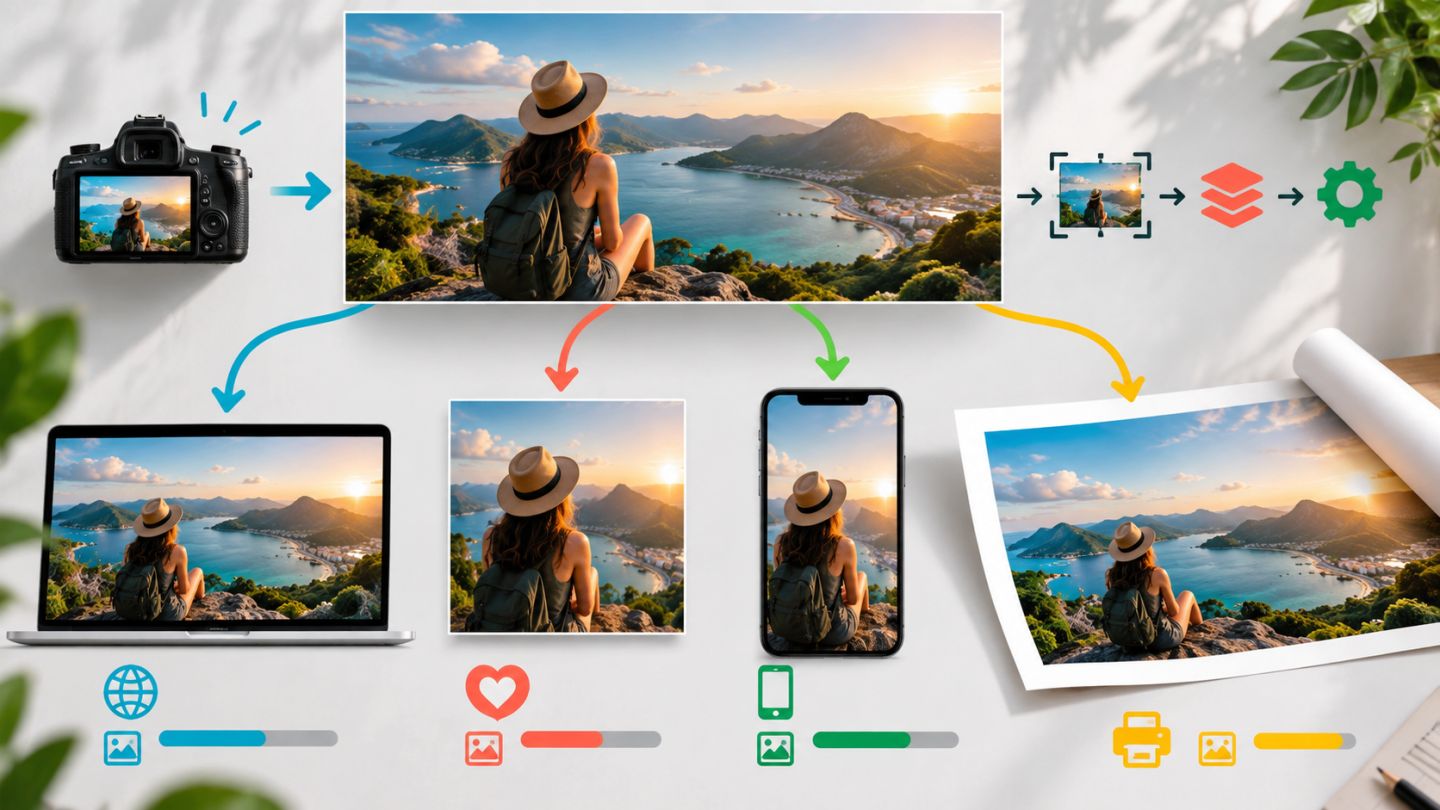
| Web cover | 1440 x 810 px, lightweight, sRGB |
| Social | Square and portrait versions with mobile hierarchy |
| Poster | Print version with documented bleed/profile assumptions |
| Listing | Clean product, consistent background and shadow |
Six-stage workflow
- Brief: goal, audience, message, constraints.
- Research: moodboard, assets, dimensions, profiles.
- Concept: thumbnails and hierarchy.
- Production: selections, masks, Smart Objects, compositing, retouching.
- Adaptation: recompose for each destination.
- QA: copy, color, edges, weight, naming, and package.
Use AI with control
Generative Fill may extend backgrounds or create secondary detail, but record prompt, model, and variation. Never alter core product characteristics misleadingly. Inspect geometry, light, and rights for every generated area.
Suggested master structure
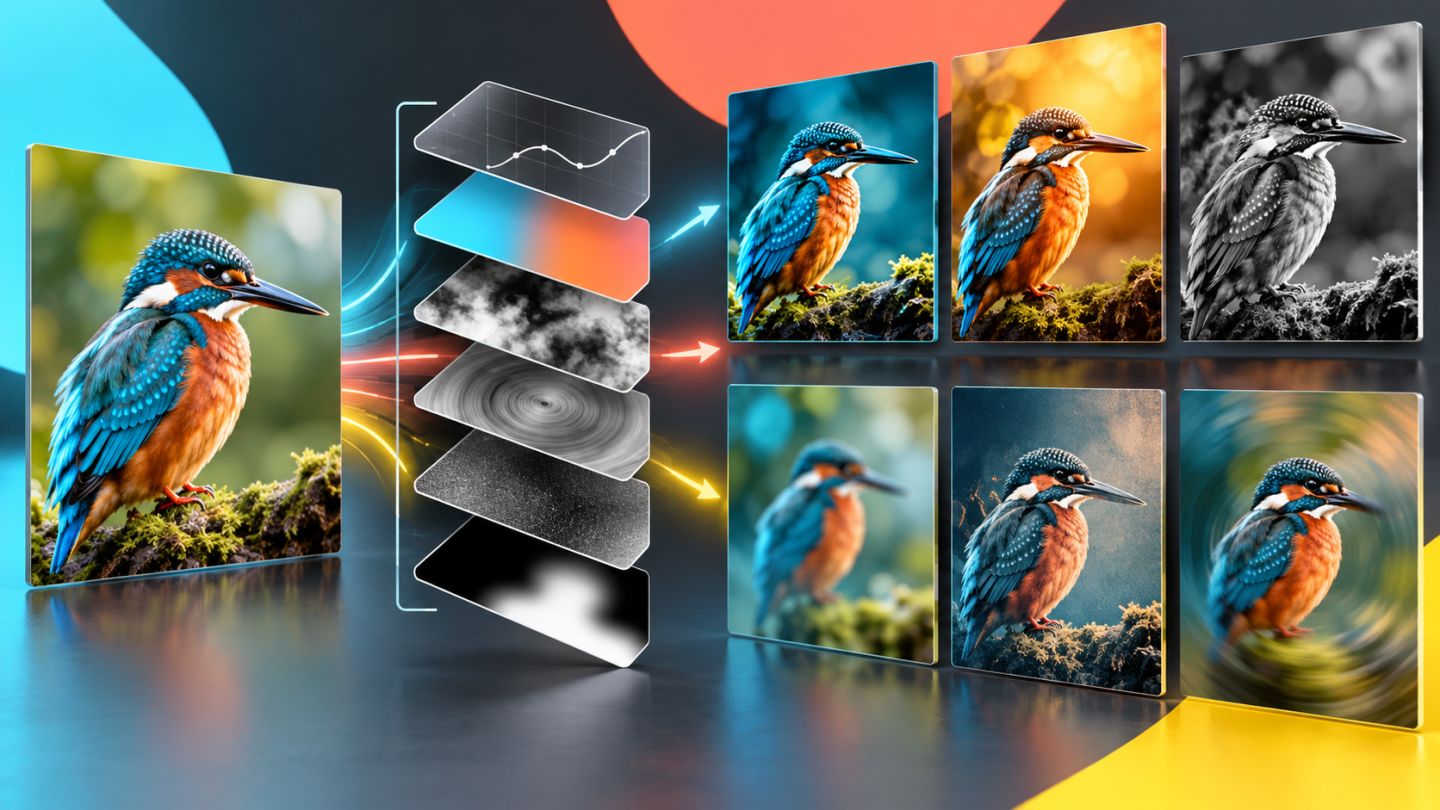
00_GUIDES: brief, palette, grid.01_BACKGROUND: scene and atmosphere.02_PRODUCT: Smart Object, cleanup, shadow.03_GRAPHICS: shapes, texture, effects.04_TYPE: headline, details, CTA.05_GLOBAL_GRADE: overall adjustments.
Self-review criteria
- The message is understood within three seconds.
- The product is primary and accurately represented.
- Perspective, light, color, noise, and shadow agree.
- Ratios are recomposed rather than merely cropped.
- Another person can understand and replace assets.
- Outputs meet profile, dimensions, and file-size requirements.
A professional result is not only attractive; it is logical, editable, and reliable to hand off.
Portfolio presentation
Show a concise brief, moodboard, two thumbnail routes, key visual, adaptations, and one layer-structure view. Explain important decisions rather than listing tools.

No comments yet. Be the first to share your thoughts.