

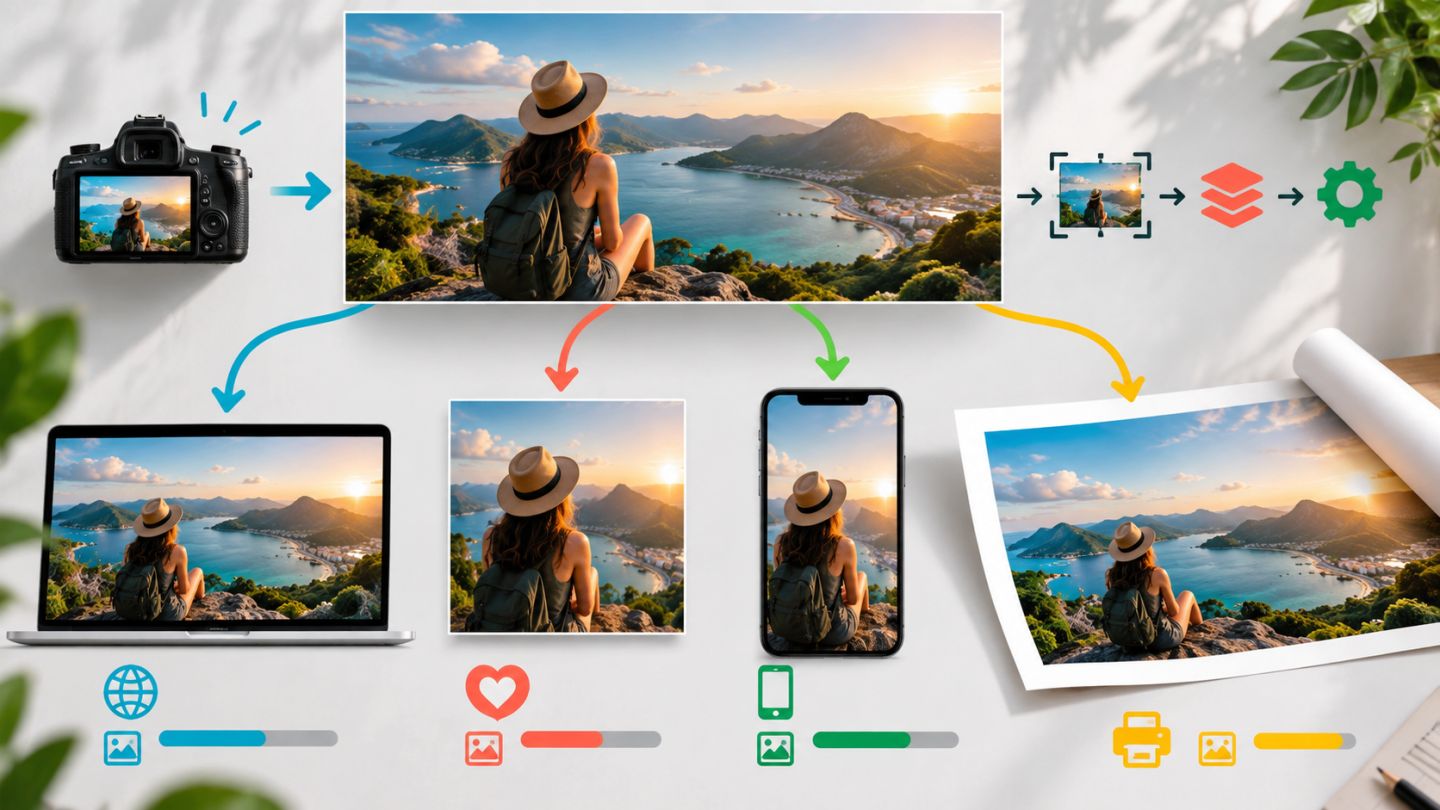
A Smart Object packages source content so transformations and filters remain editable. It supports mockups, templates, compositing, and documents where assets may be replaced repeatedly.
What does it preserve?
- Original raster or vector content inside the object.
- Editable scale, rotation, distortion, perspective, and warp.
- Content replacement without rebuilding the layout.
- Smart Filters with settings, masks, and blending controls.
Embedded or Linked?
| Type | Benefit | Consideration |
|---|---|---|
| Embedded | Self-contained and easy to hand off | Can increase PSD size |
| Linked | Shares one source across documents | External files must remain available |
Create and edit
- Convert selected layers or use Place Embedded/Linked.
- Transform content in the composition.
- Double-click the thumbnail to open its source.
- Edit and save the source to update the main document.
- Use Replace Contents to swap an asset while keeping layout and effects.
Work with Smart Filters
A filter applied to a Smart Object appears beneath it. Double-click to revise settings, reorder effects, hide individual filters, or edit blending options. The shared filter mask controls affected areas with white, black, and gray.
Order matters because filters are calculated from the bottom upward.
Linked and independent copies
A normal duplicate shares the same embedded contents. Use New Smart Object via Copy when each instance needs independent source content.
Limitations
- Pixel painting, cloning, and dodging cannot be performed directly from outside the object.
- Large sources and heavy filters may slow the document.
- Renamed or moved linked files can become missing.
- Rasterizing removes source and Smart Filter flexibility.
Non-destructive does not automatically mean lightweight; retain the flexibility the deliverable actually needs.
Practice exercise
Place one image in three mockup frames. Make two linked instances and one independent copy, add Camera Raw Filter and masked Gaussian Blur, then replace the source and observe which instances update.


No comments yet. Be the first to share your thoughts.