

A strong product image describes the item accurately, consistently, and efficiently. Retouching should not hide important characteristics or create misleading color.
Standardize capture
- Use consistent angle, focal length, and distance across a product line.
- Control reflection with soft light and include a color reference when needed.
- Capture sufficient resolution and avoid repeated JPEG compression.
- Record channel rules for background, ratio, and whitespace.
Editing workflow
- Correct lens, white balance, and exposure.
- Isolate the product with Pen, Select and Mask, or an edge-appropriate method.
- Clean temporary dust and scratches on a separate layer.
- Match color to the physical reference.
- Create a soft contact shadow.
- Align every SKU to a standard canvas.
- Export sRGB at actual delivery dimensions.
White backgrounds and shadows
A clean white background should preserve semi-transparent glass, fabric, or soft edges. A contact shadow is darkest nearest the object and softens with distance; avoid applying one generic shadow to every item.
Accurate color
Use an appropriate display and compare with the product under stable light. Do not increase saturation if it changes the merchandise. Manage color variants from a clear master and verify every SKU.
Dimensions and performance
| Use | Guidance |
|---|---|
| Thumbnail | Small, clear crop, very light file |
| Listing | Consistent ratio with comparison detail |
| Zoom/detail | Larger source loaded when requested |
Prefer WebP or AVIF when supported, with JPEG fallback where necessary. Do not send the original multi-megapixel image to every placement.
QA checklist
- No distortion or missing product details.
- Consistent color, scale, margins, and shadow.
- Clean edges on both light and dark tests.
- Dust removed without erasing material texture.
- Appropriate filename, alt text, and file size.
Practice exercise
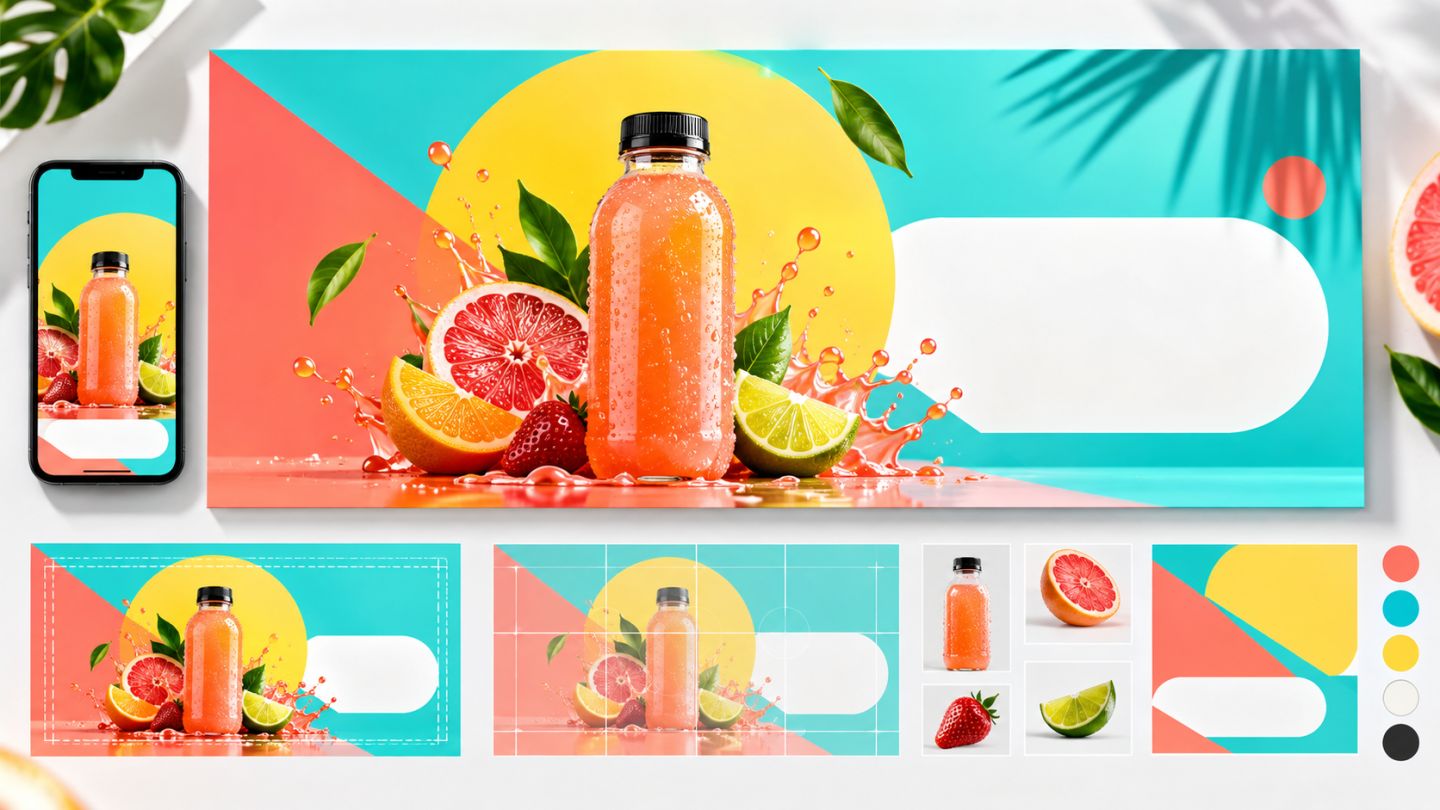
Create white-background, listing, and lifestyle versions of one product. Reuse one Smart Object source, align scale, and export three web sizes.


No comments yet. Be the first to share your thoughts.