
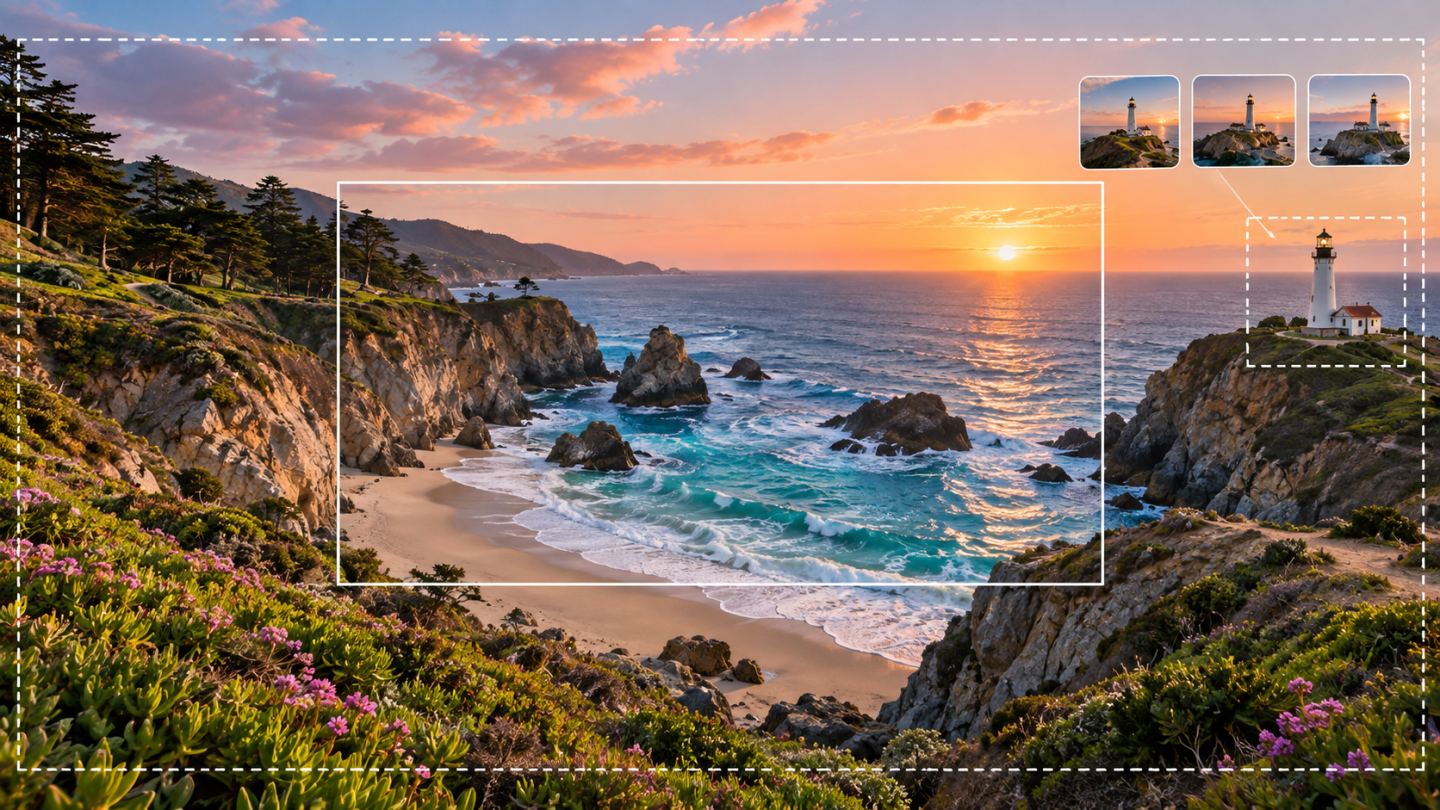
Generative Fill edits a selected region, while Generative Expand extends the canvas and builds missing content. Both return new layers, making variation testing non-destructive.
Choose the right method
| Need | Method |
|---|---|
| Add or replace an object | Generative Fill with a prompt |
| Remove an object and reconstruct background | Generative Fill with a blank or contextual prompt |
| Change aspect ratio or add space | Crop Tool and Generative Expand |
| Repair precise edges or texture | Healing, Clone, or manual masking |
Generative Fill workflow
- Preserve the source layer.
- Select the target with enough surrounding context.
- Choose Generative Fill and an appropriate model.
- Write a short prompt or leave it blank for reconstruction.
- Compare variations at 100%.
- Refine mask, color, light, and grain.
Expand deliberately
Drag Crop handles outside the image, select Generative Expand, and leave the prompt blank when the scene should continue naturally. Several moderate expansions often maintain geometry better than one extreme extension.
AI still needs finishing
- Inspect anatomy, accidental lettering, repetition, and geometry.
- Match lighting, shadows, and depth of field.
- Align color grade, noise, and sharpness.
- Ensure protected details remain unchanged.
- Name generated layers by purpose.
Rights and transparency
Check model terms, input rights, and platform or client disclosure requirements. Do not use generative editing to fabricate evidence, impersonate people, or make misleading journalistic changes.
AI produces options quickly; the publisher remains responsible for accuracy, rights, and final quality.
Practice exercise
Turn one landscape image into a portrait ratio, remove a small distraction, and add one context-appropriate object. Record the selection, model, prompt, and chosen variation.


No comments yet. Be the first to share your thoughts.