

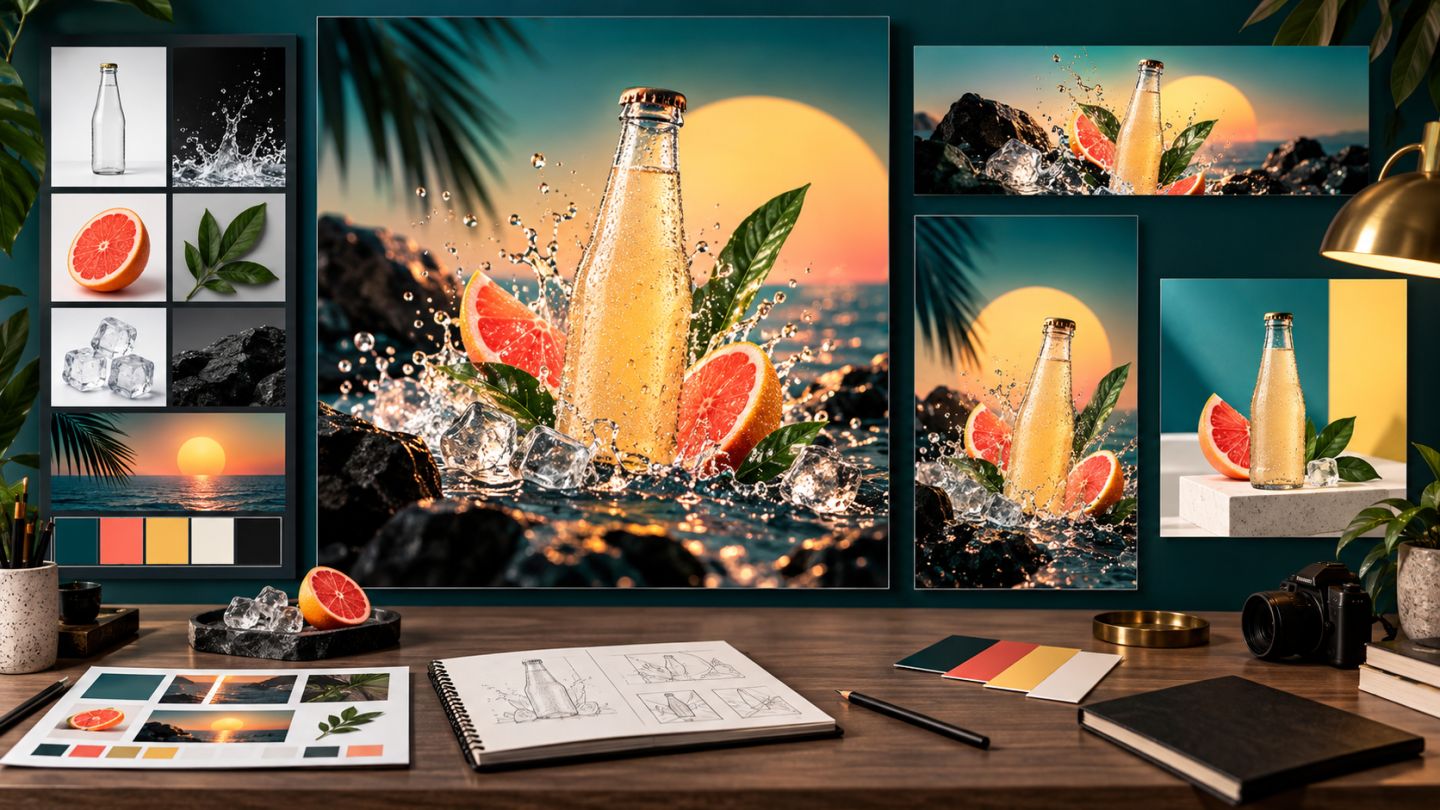
A believable composite requires every element to share one space, light source, and camera character. A clean extraction is only the beginning.
Choose compatible assets
Prioritize images with compatible viewpoint, focal character, light direction, and resolution. A beautiful but geometrically incompatible asset often requires more work than a simpler suitable one.
Six layers of consistency
| Layer | Question |
|---|---|
| Perspective | Do horizon and vanishing directions agree? |
| Scale | Is the subject plausibly sized? |
| Light | Do direction, softness, and color match? |
| Color | Do white balance, contrast, and saturation belong together? |
| Sharpness/grain | Do blur, depth of field, and noise agree? |
| Shadow | Are contact and cast shadows grounded correctly? |
Compositing workflow
- Place assets as Smart Objects.
- Identify the horizon and perspective lines.
- Scale, distort, or warp into the space.
- Build masks with material-appropriate edges.
- Match luminance with Curves before color.
- Create contact shadow, cast shadow, and light spill.
- Match depth of field, grain, and sharpness.
- Add a restrained global adjustment to unify the scene.
Build logical shadows
A contact shadow is small, dark, and close to the contact point. A cast shadow extends away from the light, softens with distance, and follows the receiving plane. Multiply is a common start, but shadow color is rarely pure black.
Match light and color
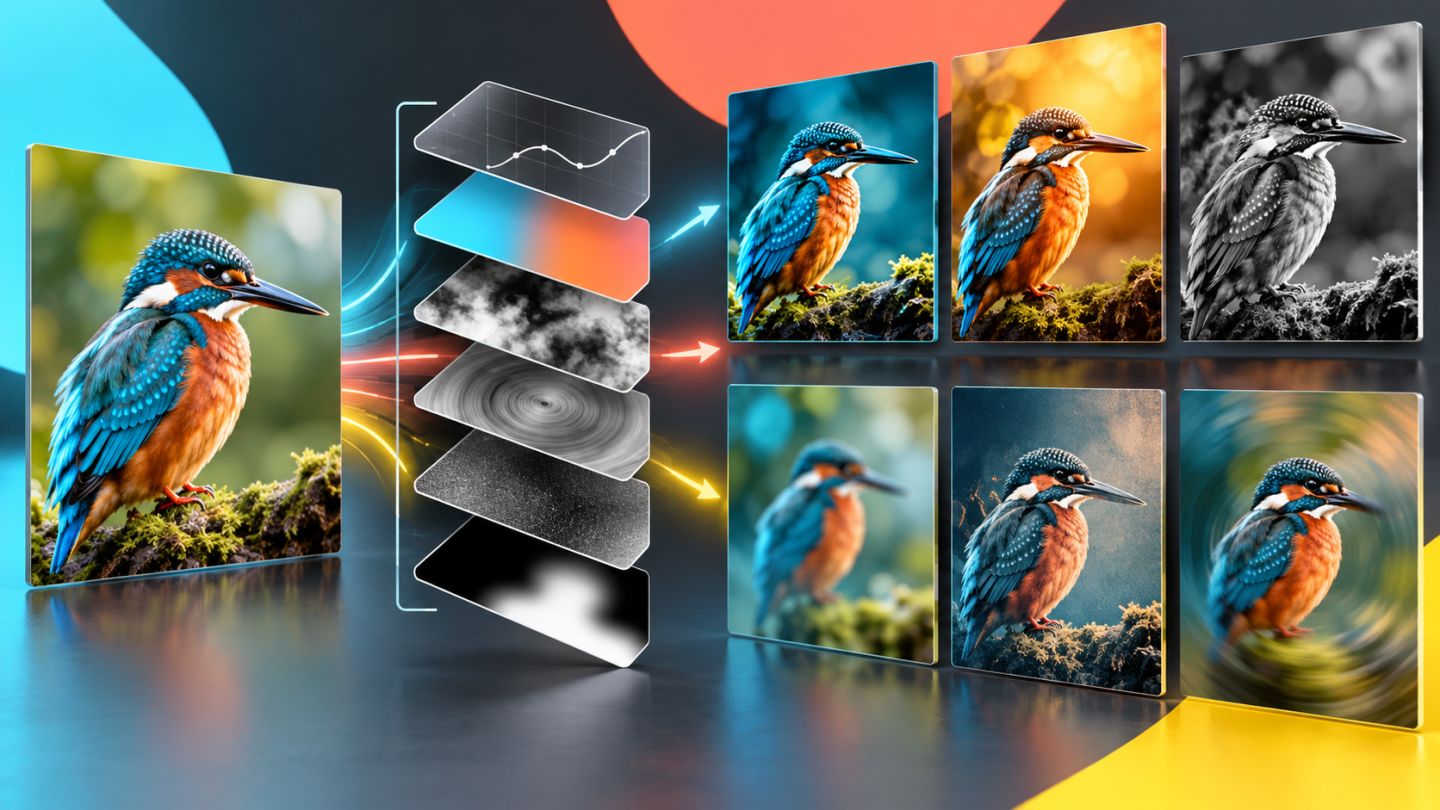
Analyze scene highlights and shadows. Use masked Curves to shape volume, then Color Balance or Camera Raw to align temperature. Add rim light only when the scene contains a plausible source.
Common giveaways
- Edges sharper than the background.
- A subject with less noise than the scene.
- A floating or misdirected shadow.
- Inconsistent saturation or black point.
- Depth of field that contradicts position.
A strong composite is not the one with the most techniques; it is the one without an obvious broken visual rule.
Practice exercise
Place a subject into a landscape. Write down the horizon, light direction, and intended depth first. Review the result flipped, in grayscale, and as a thumbnail to reveal inconsistencies.

No comments yet. Be the first to share your thoughts.