
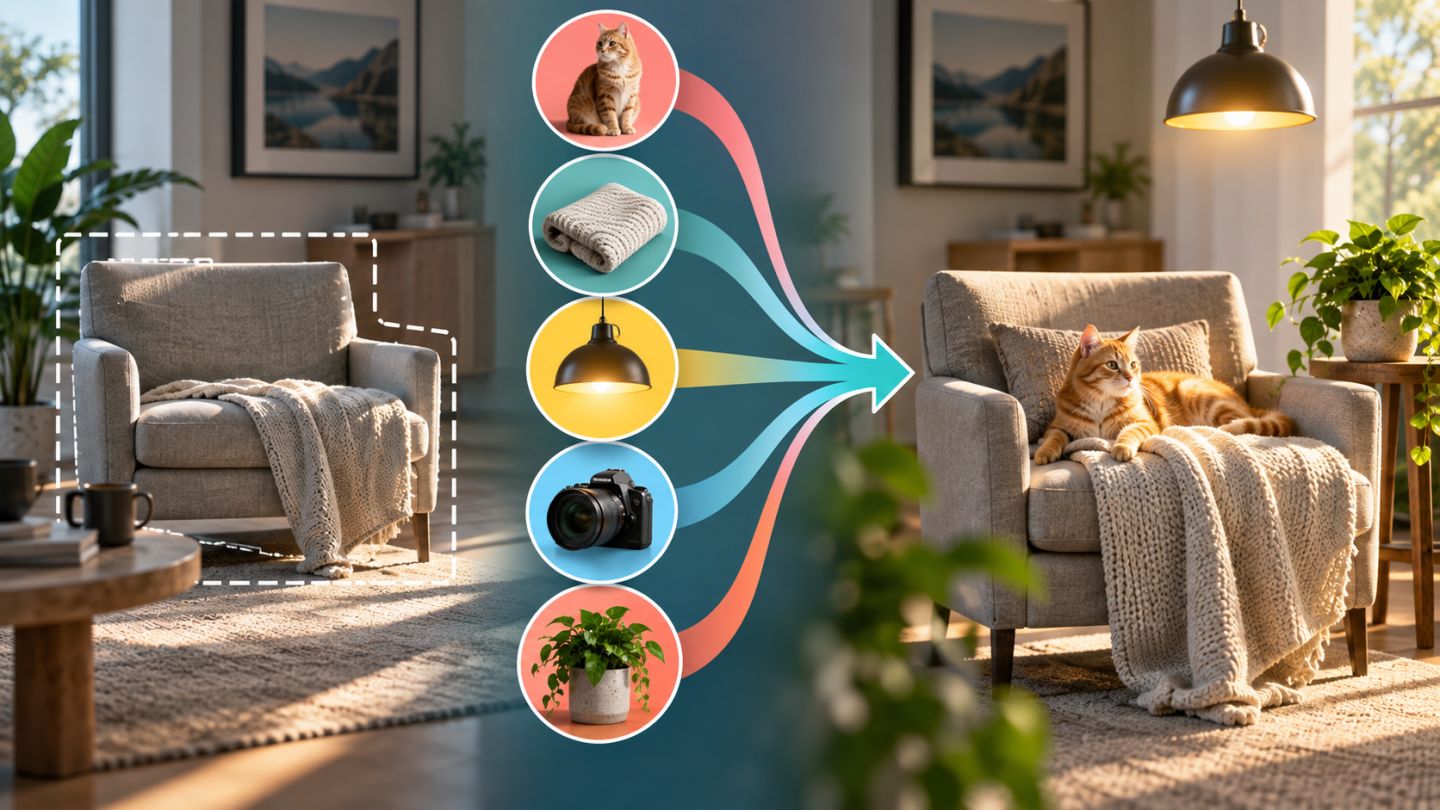
A prompt describes what should appear; the selection defines where and at what scale. When a result fails, selection and context may matter more than additional wording.
A practical structure
[subject] + [property/material] + [state/action] + [lighting] + [viewpoint] + [necessary context]Example: minimal oak chair, three-quarter view, soft window light from the left. Avoid redundant style language when the original image already establishes context.
Five useful ingredients
| Ingredient | Question |
|---|---|
| Subject | What exactly should be created? |
| Material | Wood, glass, fabric, or metal? |
| Lighting | Direction, softness, and temperature? |
| Viewpoint | Front, overhead, or three-quarter? |
| Context | What detail helps it belong? |
The selection is part of the prompt
Selection controls size, placement, and visible context. Too tight can clip edges; too broad may alter protected areas. When replacing an object, include its old shadow if a new shadow must be generated.
Iterate with control
- Begin with a short prompt and sensible selection.
- Choose the closest variation.
- Change one property per iteration.
- Revise the selection before extending the prompt.
- Finish with manual mask, tone, color, and grain.
Avoid prompt problems
- Subjective adjectives without observable detail.
- Too many conflicting objects and styles.
- Describing location in text instead of selecting it.
- Repeated long prompts without recording changes.
- Unnecessary artist or brand references without permission.
Longer prompts do not guarantee control. Selection, context, and one clear change often matter more.
Practice exercise
Generate the same object with three prompts: subject only; subject plus material; then light and viewpoint. Keep selection constant, then keep the prompt and change selection.




No comments yet. Be the first to share your thoughts.